Rollo The computer desk
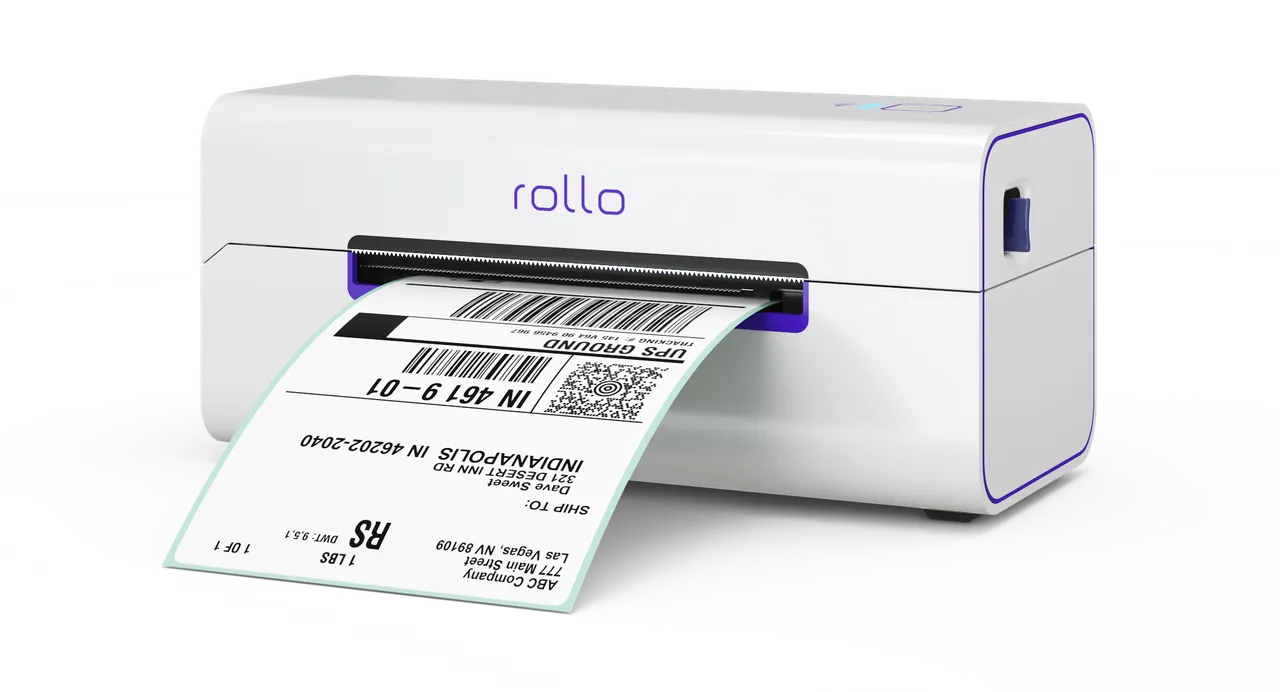
Rollo USB X1038
A USB-first option when your shipping work already lives on a Mac or Windows computer.
Research and retailer links cover US models. Check local availability and the exact regional variant before buying.
Your orders are ready, the parcels are lined up, and the labels need to stay with the right packages. Choose the print route and document routine for that desk before paying for more connections or a more configurable printer.
If one Mac or Windows computer handles every shipping PDF, investigate the Rollo X1038’s USB route first. A fixed wired route may be sufficient for that routine. Check the exact operating system and driver before ordering.
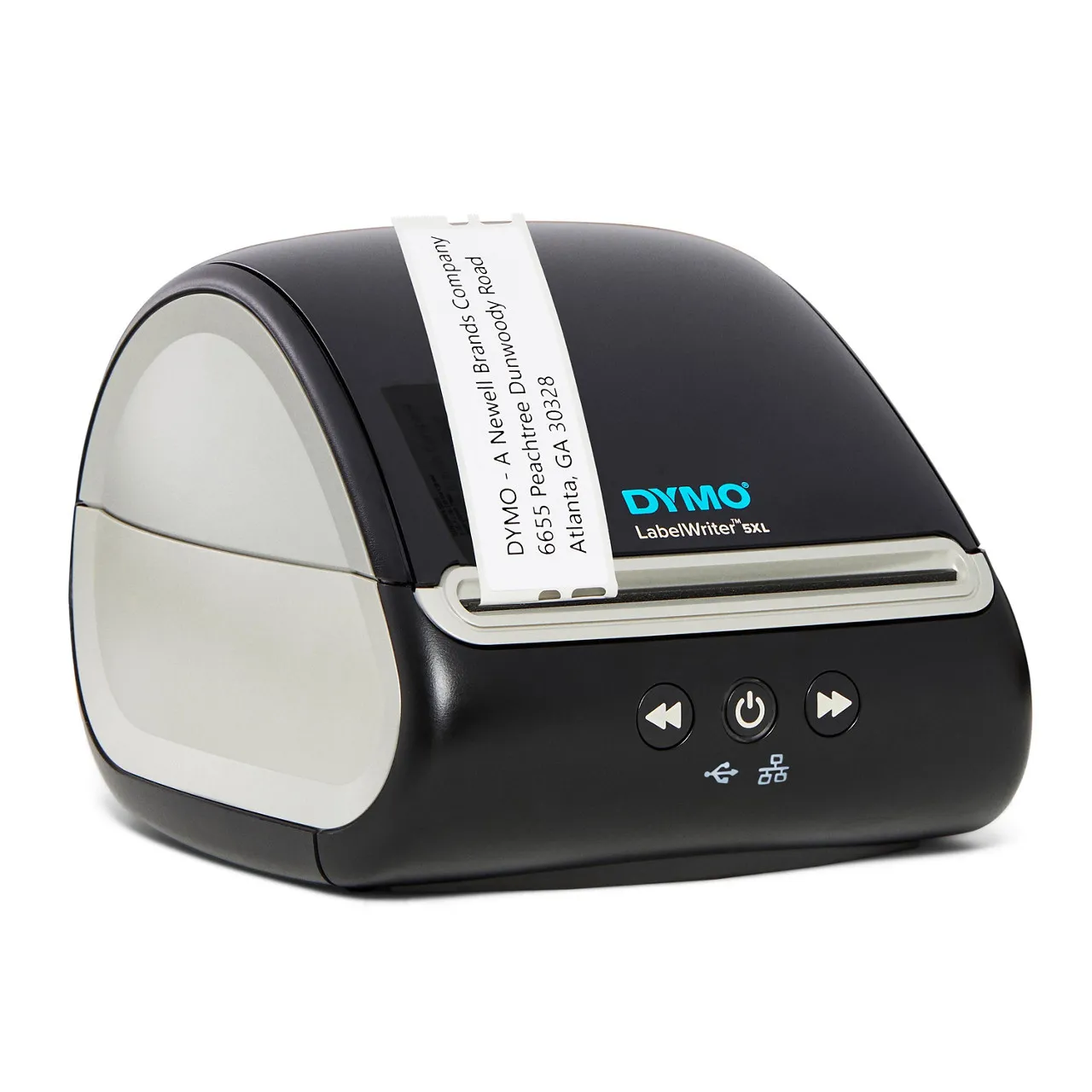
If labels also originate on an iPhone or iPad, compare the Rollo X1040’s AirPrint route. For a desktop LAN requirement, investigate the DYMO 5XL’s USB/Ethernet setup and DYMO Connect requirements. An Ethernet port alone does not establish phone printing.
Use your own label documents to inspect page size, sequence and any packing-slip pages. A shipping-label printer is not automatically the right place to send a full-size packing slip or customs document. Check each document type separately.
Plan how you will match labels to parcels before increasing the batch size. Inspect the preview for missing pages, duplicated labels and unwanted scaling. After setup, check actual output against the source file and the carrier’s requirements before relying on a saved preset.
The Rollo dossiers use compatible direct-thermal media as the supply assumption; the DYMO 5XL requires authentic compatible DYMO LW labels. Compare the actual pack you can use, not the cheapest roll with a similar outside dimension.
Check where rolls or fanfold labels will sit, whether a holder is needed, and the listed contents of the exact bundle. Use your own monthly label count and current pack quote in the cost guide. We have no measured threshold at which one model becomes the best batch printer.
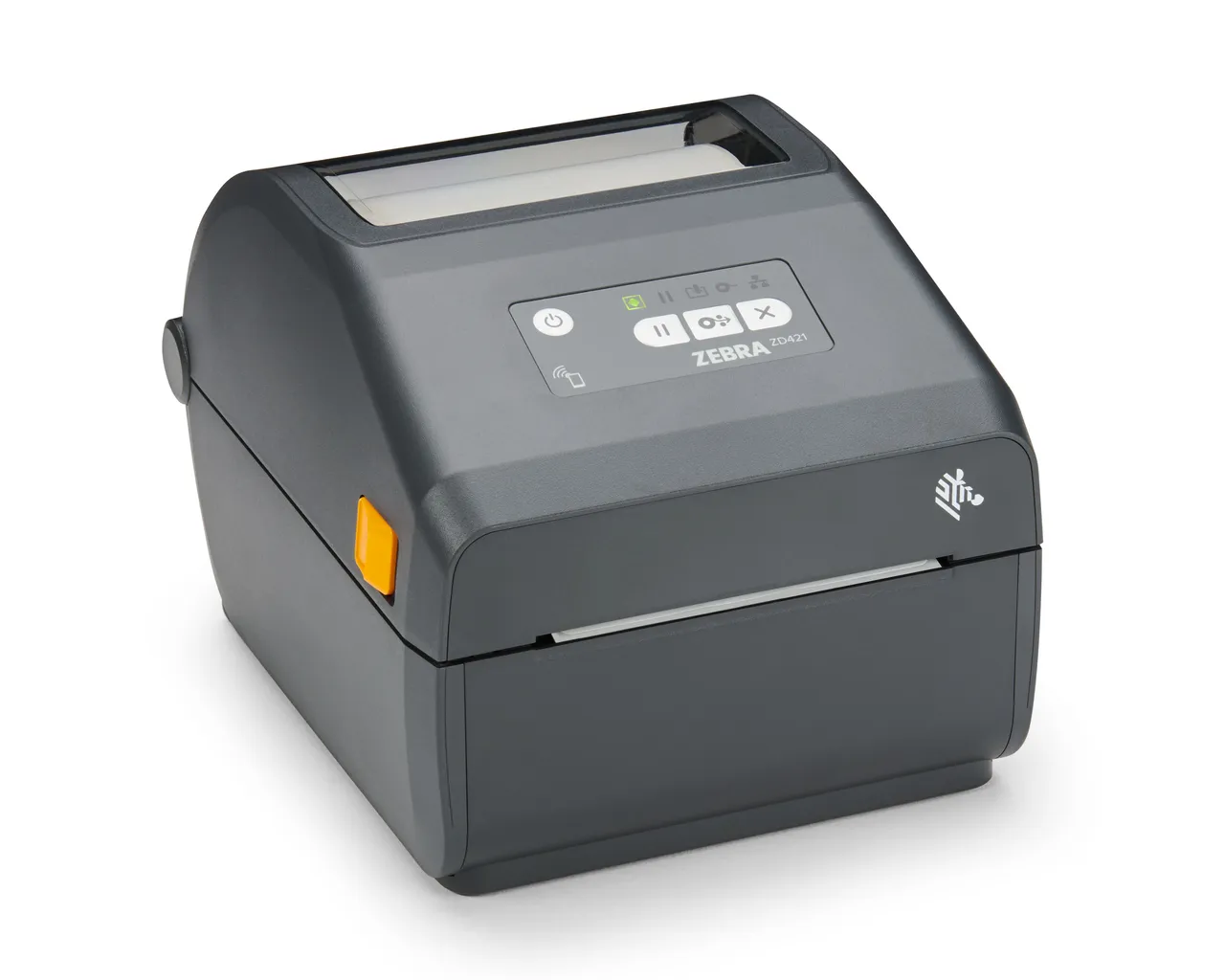
The Zebra ZD421d dossier covers a 203-dpi direct-thermal USB baseline. Wi-Fi, Ethernet, 300 dpi and a cutter must not be assumed from the family name. The exact US part number remains unverified.
If your desk requires a particular interface or cutter, request a full configuration and supply quote before comparing it with a ready-defined model. This shortlist does not establish a speed, durability or high-volume winner; we have not performed those tests.
RESEARCHED CANDIDATES
Open the dossier for device-route limitations and exact model notes.
Rollo The computer desk
A USB-first option when your shipping work already lives on a Mac or Windows computer.
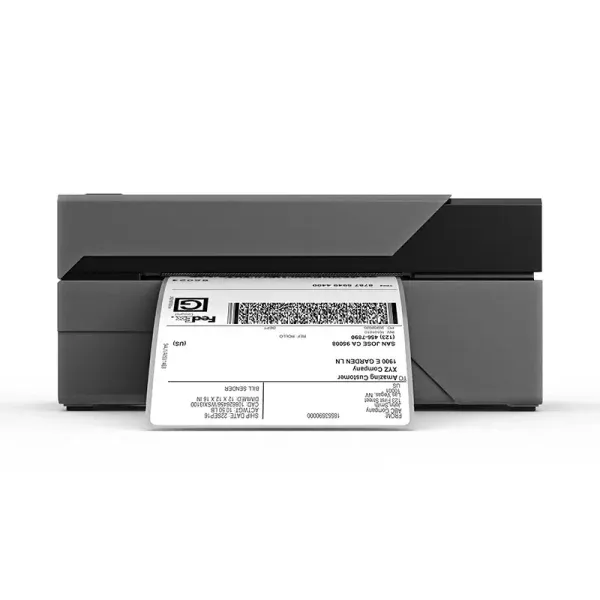
Rollo The wireless route
Wi-Fi and AirPrint for a shipping desk that is not tied to one computer.
DYMO The dedicated label system
USB and LAN shipping-label printing, with a specific authenticated DYMO media requirement.
Zebra The configurable step-up
A configurable desktop family. This dossier covers a 203-dpi direct-thermal USB baseline, not every ZD421.
Not by itself. First specify the device route, documents, compatible supplies and requirements you can verify. We have not measured a universal volume threshold.
Decide which device actually sends the print job. Check a documented network route if several devices must print, rather than choosing from a connection badge alone.
No. Use an exact compatible pack for each model. The DYMO 5XL’s authentic-label requirement is a different cost assumption from compatible generic direct-thermal media.
TRACEABLE, NOT TAKEN ON TRUST
Manufacturer documentation is evidence of specifications, not an independent performance test.