Name the printing device.
Does one computer send every job, or do several devices need a documented network route? Specify this before treating Wi-Fi or Ethernet as a requirement.
Research and retailer links cover US models. Check local availability and the exact regional variant before buying.
Orders, labels and parcels need to stay together. Build a shipping station around the devices and documents you use, then compare the printer routes that meet those requirements.
BEFORE THE SHORTLIST
Does one computer send every job, or do several devices need a documented network route? Specify this before treating Wi-Fi or Ethernet as a requirement.
Inspect the label file, its page order and any packing slips or customs pages. Different document sizes may need separate print settings or printers.
Choose the exact compatible media, where it will sit, and how you will replenish it. Count required accessories and supplies in the same setup quote.
CHOOSE BY THE JOB
Editorial candidates based on the dated manufacturer sources below. No tested ranking or promised speed, savings or availability.
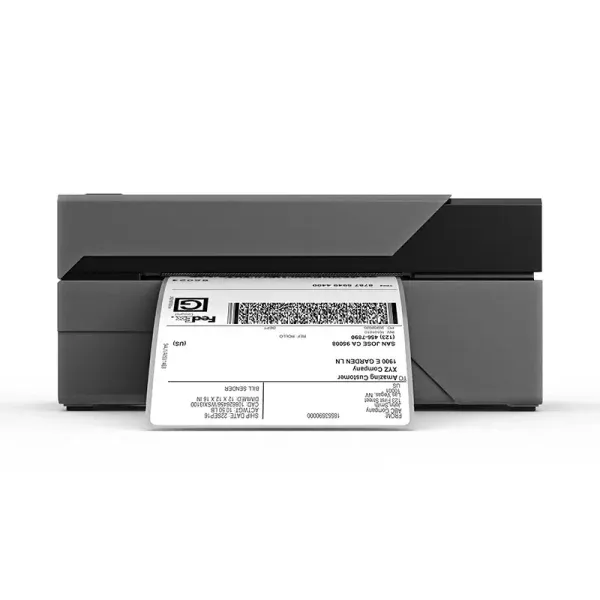
Rollo The computer desk
A USB-first option when your shipping work already lives on a Mac or Windows computer.
Why look at this route? Investigate its USB route when one supported Mac or Windows computer owns the shipping job. Direct phone printing is not part of this setup. Sources and dates.
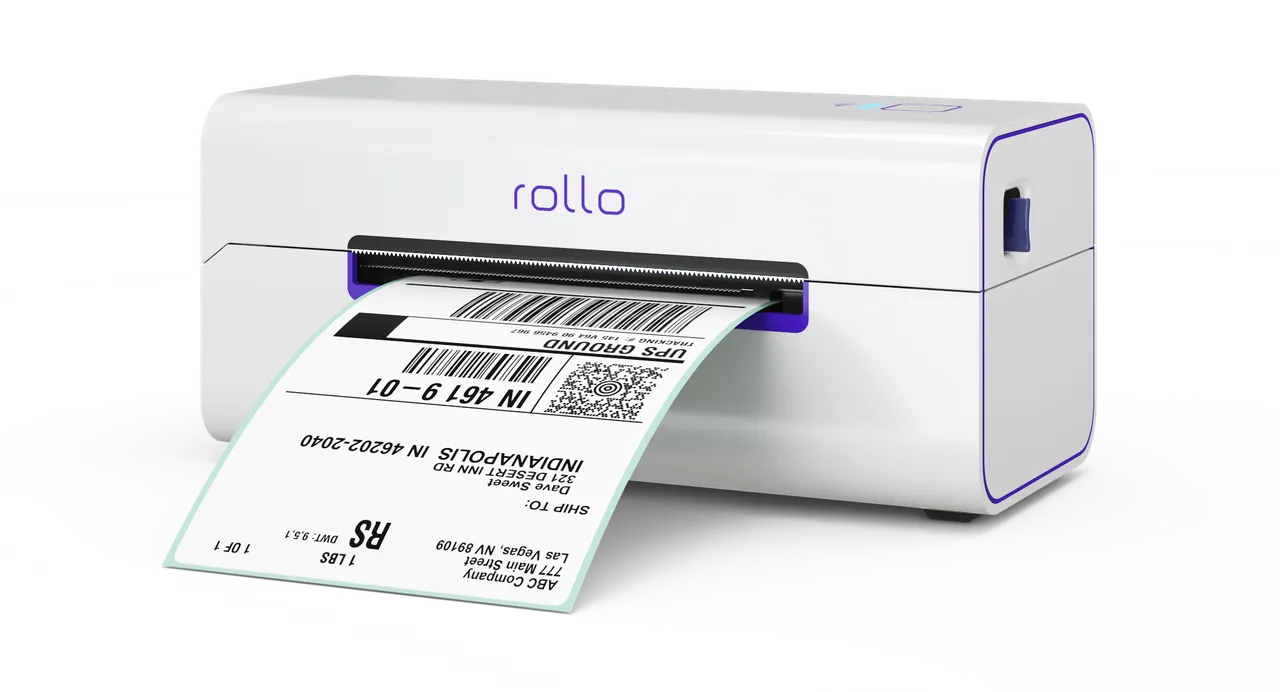
Rollo The wireless route
Wi-Fi and AirPrint for a shipping desk that is not tied to one computer.
Why look at this route? Investigate this alternative if the desk also needs a documented Wi-Fi or iPhone route. Check network and device-specific format requirements. Sources and dates.
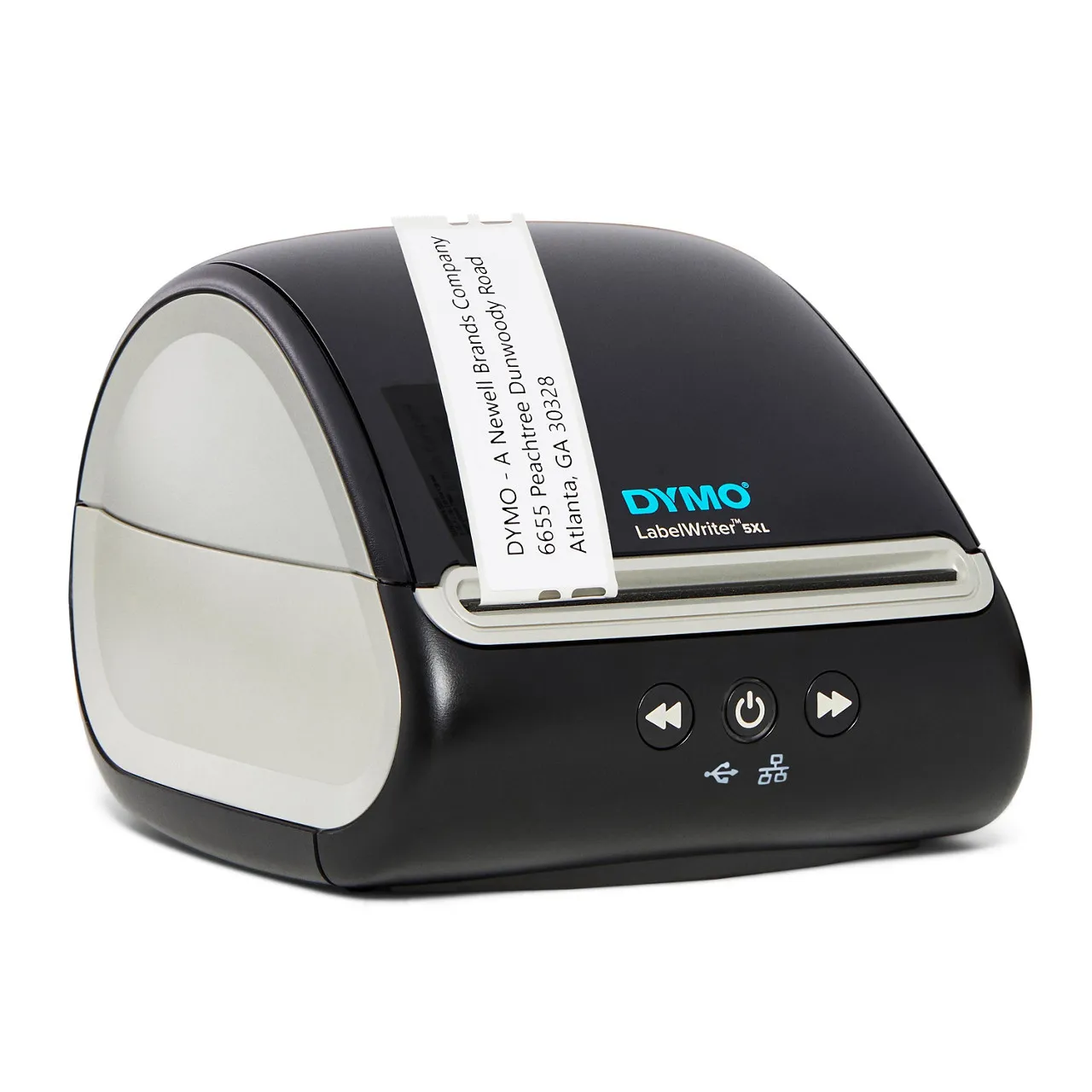
DYMO The dedicated label system
USB and LAN shipping-label printing, with a specific authenticated DYMO media requirement.
Why look at this route? A documented desktop USB/LAN route to investigate with DYMO Connect and authentic compatible DYMO LW labels. LAN is not evidence of AirPrint. Sources and dates.
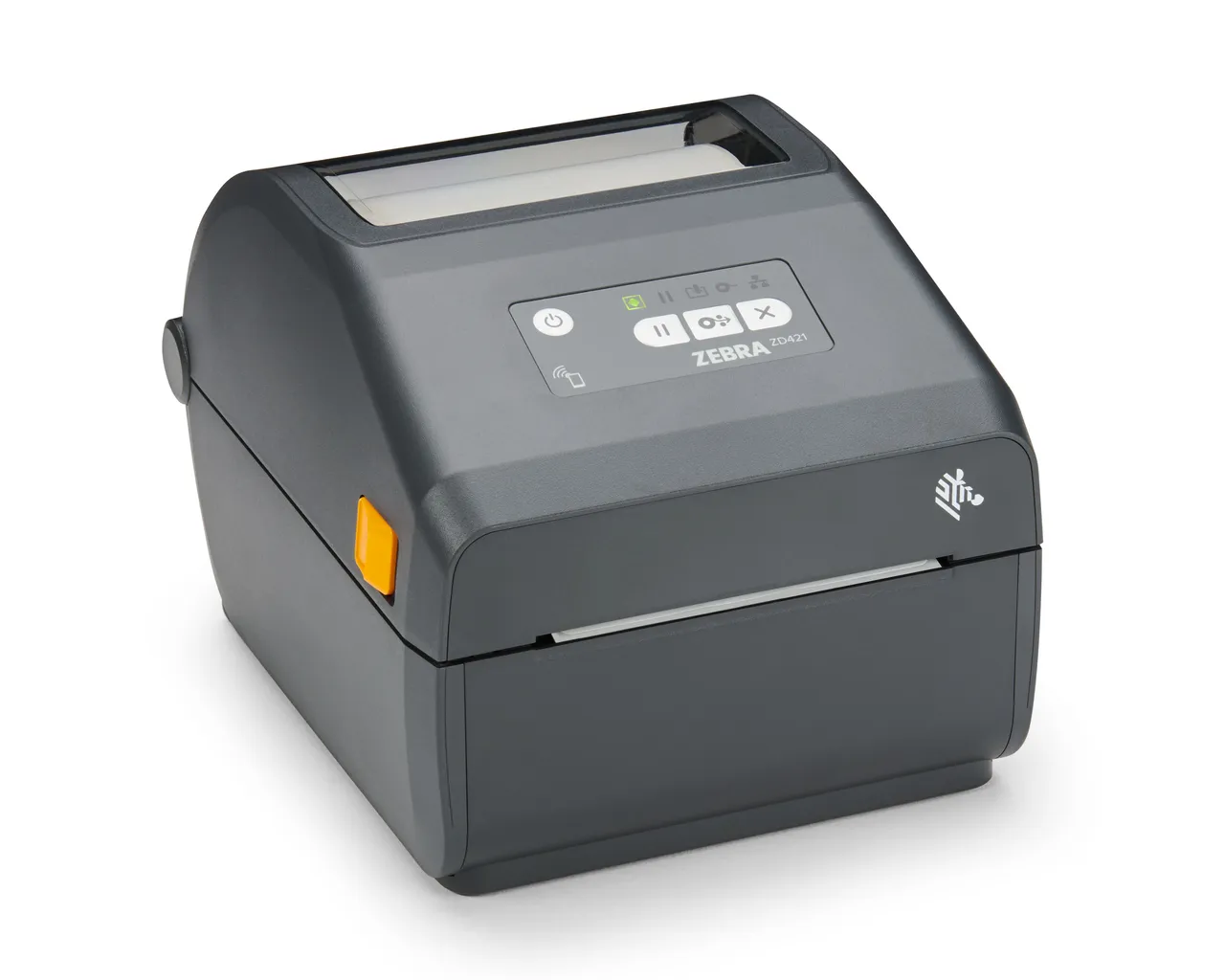
Zebra The configurable step-up
A configurable desktop family. This dossier covers a 203-dpi direct-thermal USB baseline, not every ZD421.
Why look at this route? A configuration research option, not a verified ready-to-buy match. The dossier covers a 203-dpi direct-thermal USB baseline; the exact US part number is unverified. Sources and dates.
TAKE THIS TO THE CHECKOUT
These are purchase checks, not included bundle contents. Confirm the exact model, final price, delivery and retailer terms.
YOUR NEXT STEP
Use the detailed guide to work through this routine, or check specific requirements in the finder.
No. These are documented routes and configurations to investigate. We have not measured duty cycle, reliability, batch speed or a universal capacity threshold.
First identify which device sends each job. A shared desk and several independent printing devices are different requirements. Confirm the supported route for the actual setup.
Check the dimensions and requirements of each document separately. A shipping-label format does not establish support for full-size packing slips or customs documents.
TRACEABLE, NOT TAKEN ON TRUST
Manufacturer documentation is evidence of specifications, not an independent performance test.