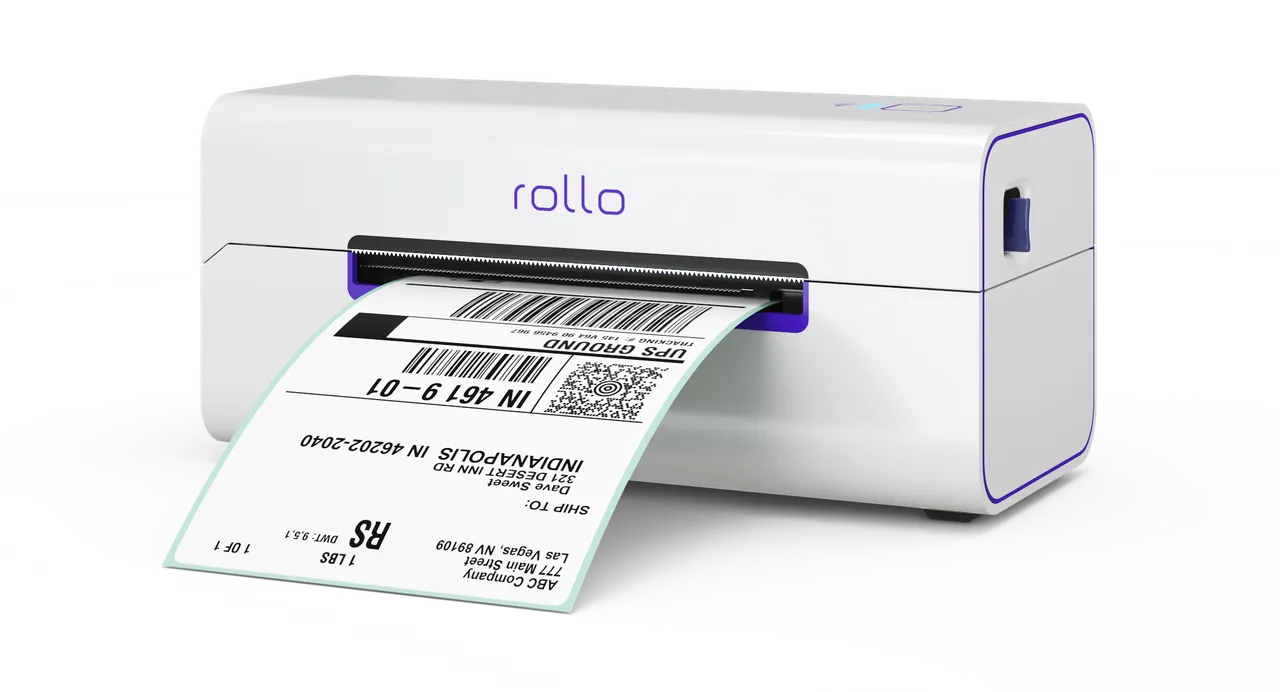
Rollo The wireless route
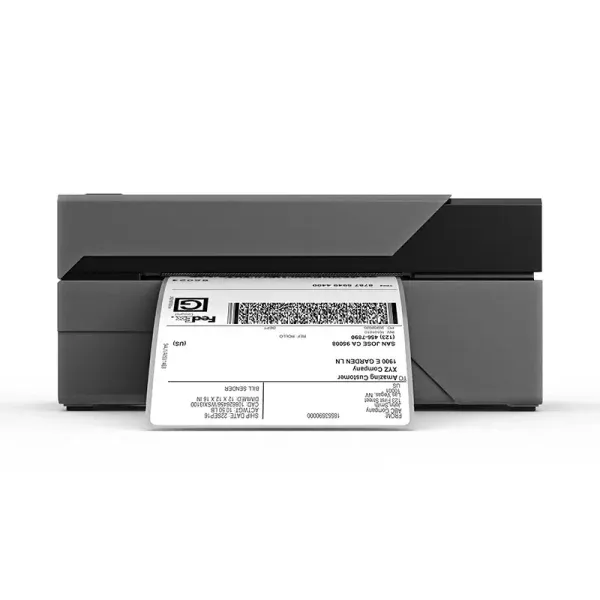
Rollo Wireless X1040
Wi-Fi and AirPrint for a shipping desk that is not tied to one computer.
Research and retailer links cover US models. Check local availability and the exact regional variant before buying.
The right gift is the printer that fits the way they already ship. Ask two questions first: where do they buy postage, and which labels do they print?
BEFORE YOU BUY
CHOOSE BY THEIR ROUTINE
Look for AirPrint over Wi-Fi, so the label prints straight from the shipping app without an extra printer app.
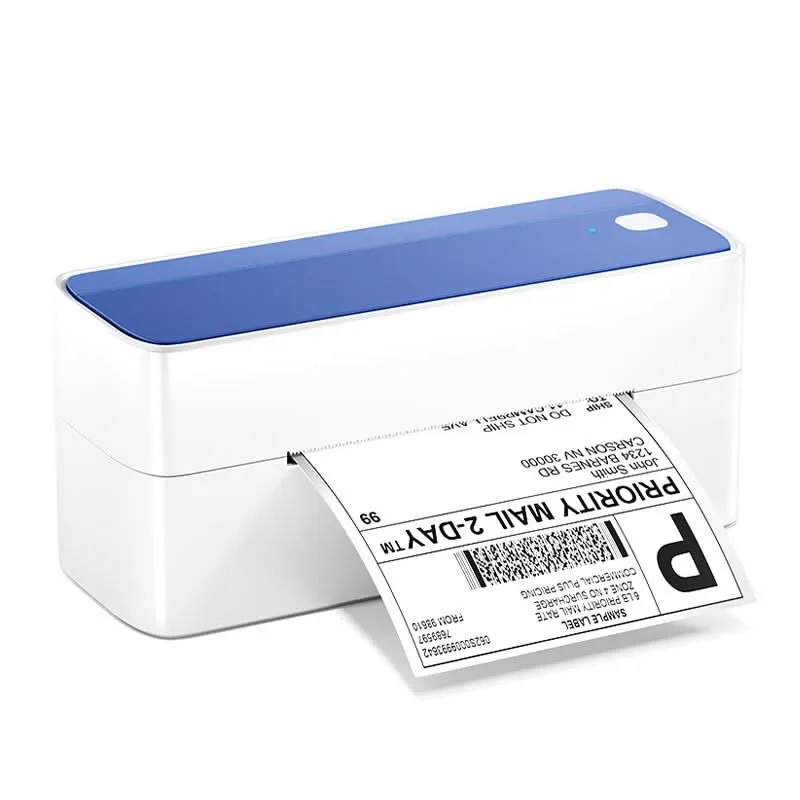
Rollo The wireless route
Wi-Fi and AirPrint for a shipping desk that is not tied to one computer.
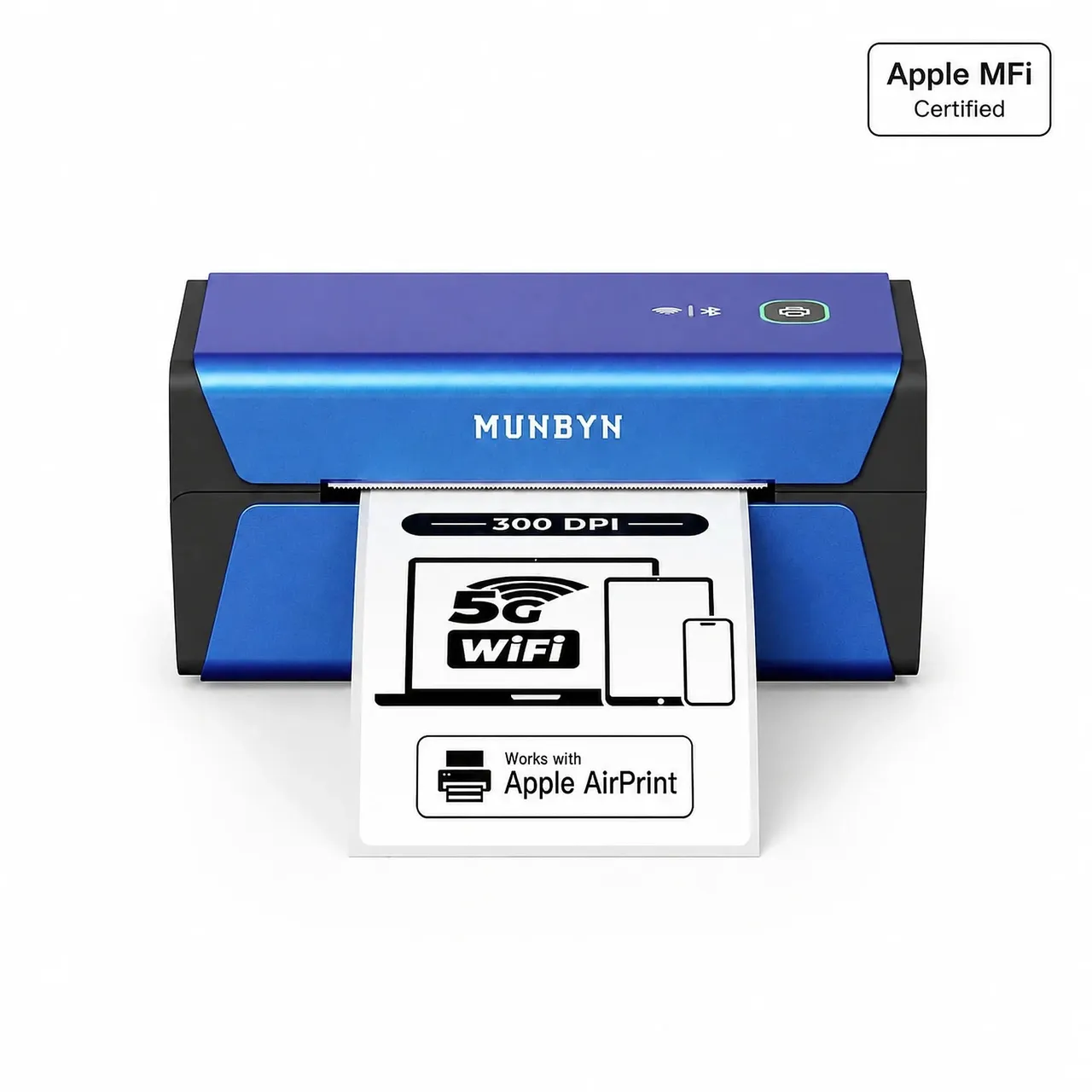
MUNBYN The AirPrint alternative
The selected 300-dpi US version combines Wi-Fi/AirPrint with computer USB fallback.
CHOOSE BY THEIR ROUTINE
A USB printer is enough when every label is downloaded on the same computer.
Rollo The computer desk
A USB-first option when your shipping work already lives on a Mac or Windows computer.
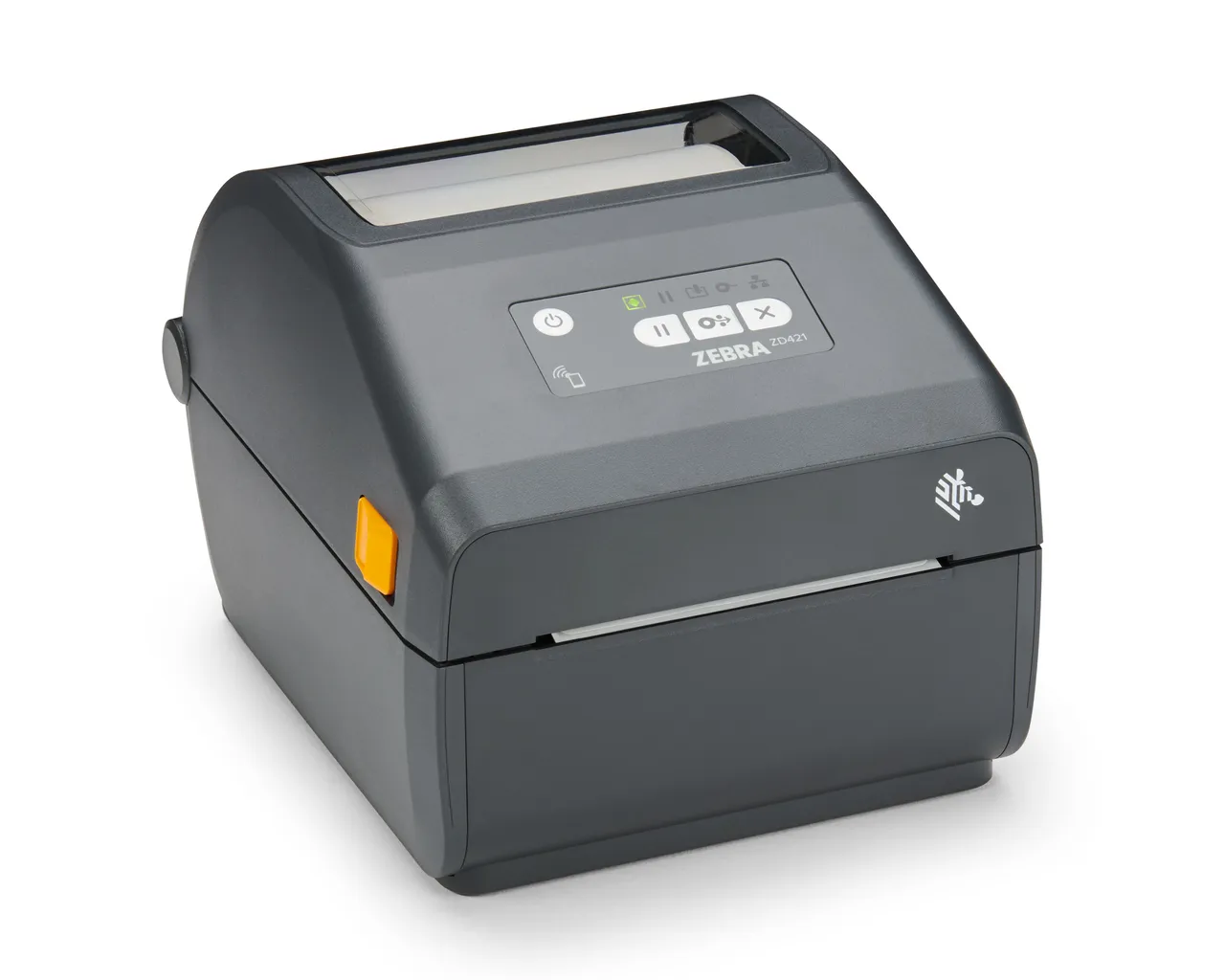
Zebra The configurable step-up
A configurable desktop family. This dossier covers a 203-dpi direct-thermal USB baseline, not every ZD421.
CHOOSE BY THEIR ROUTINE
These printers connect by Bluetooth and print through the maker’s app. Check each app’s media limits before buying.
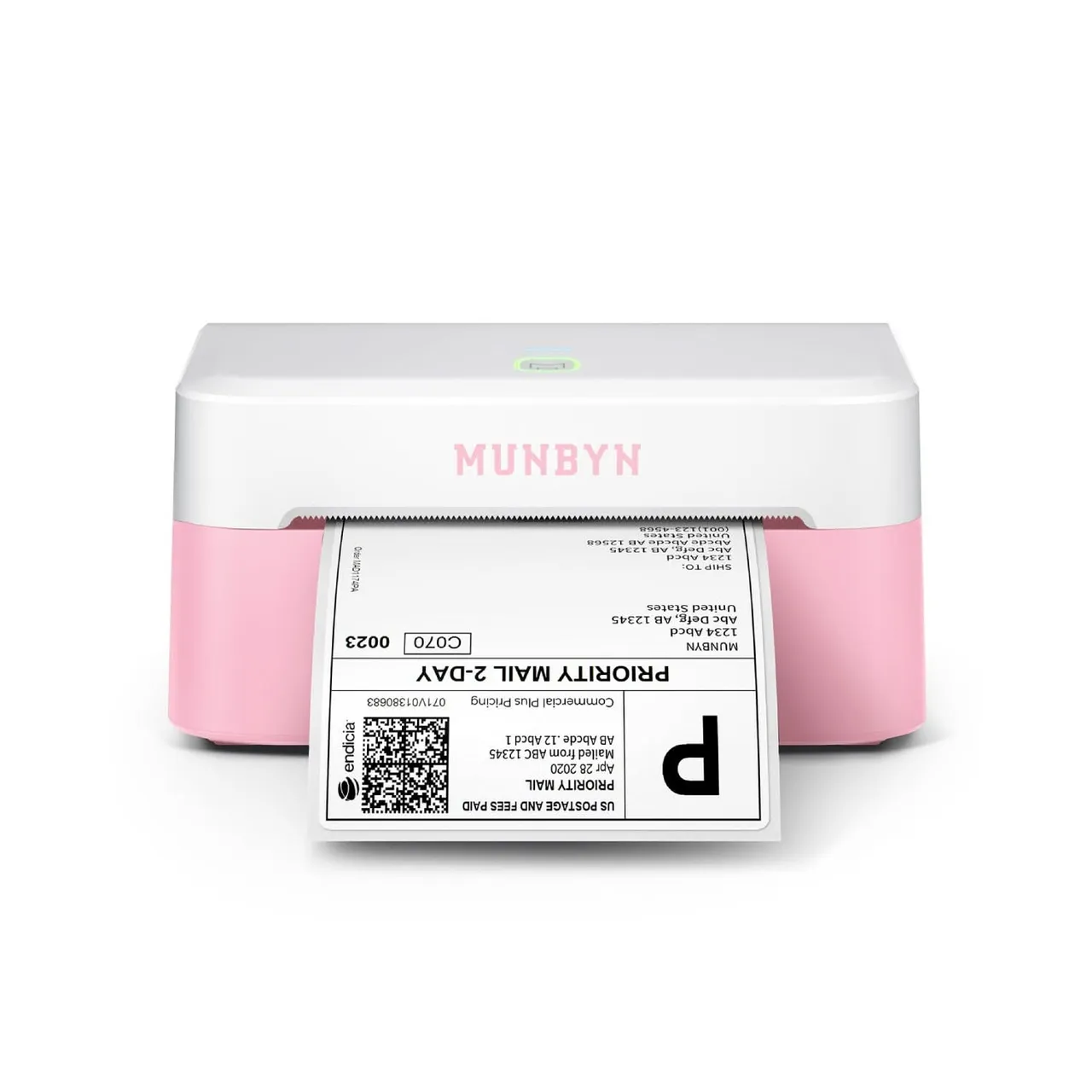
MUNBYN The app-based starter
Bluetooth and USB, with mobile printing through the MUNBYN app rather than AirPrint.
Phomemo The Labelife route
Bluetooth through Labelife on a phone, or a separate USB workflow on a computer.
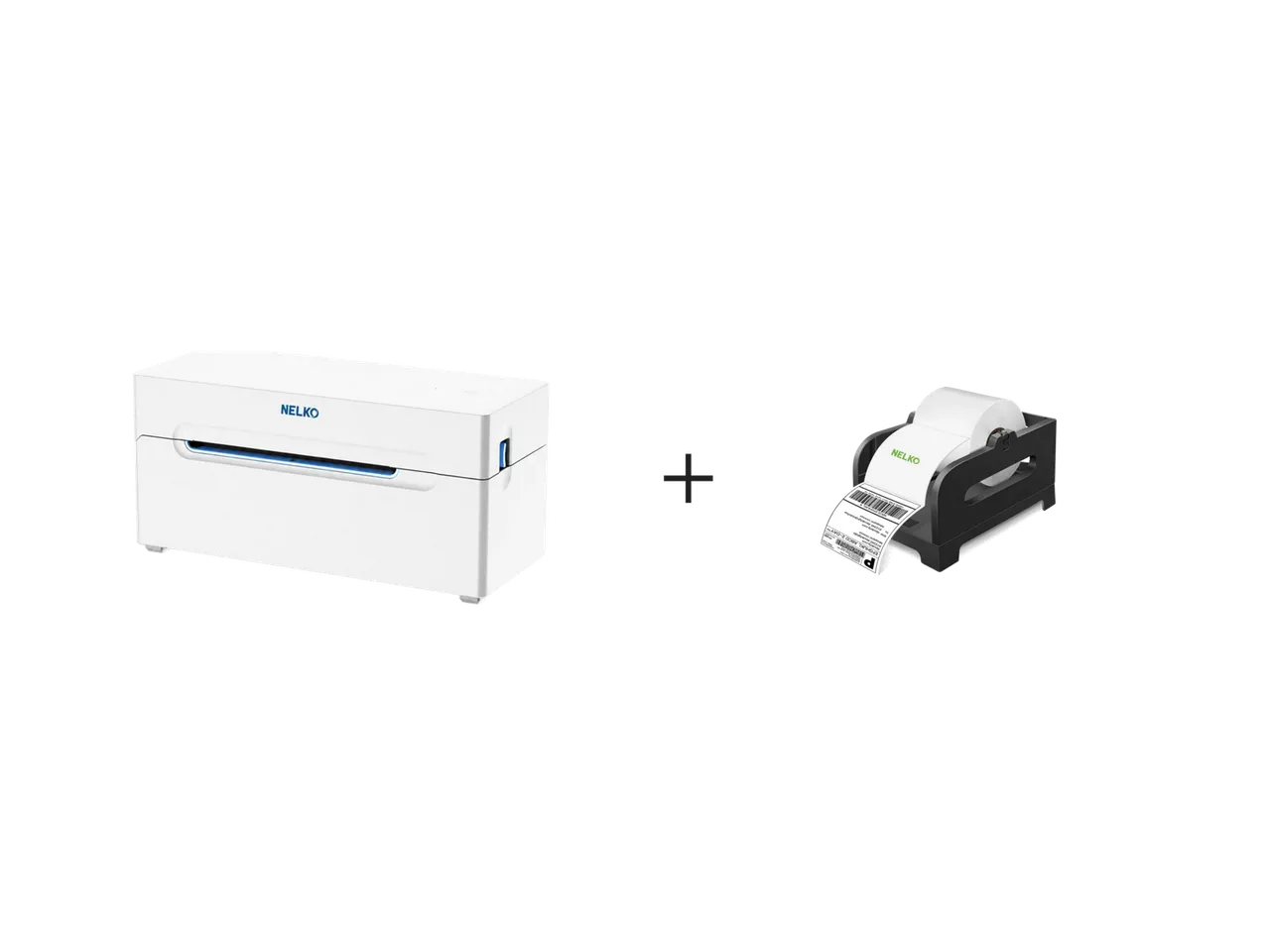
Nelko The Shipping Printer Pro route
App-based Bluetooth shipping labels on a phone, with a documented computer USB route.
CHOOSE BY THEIR ROUTINE
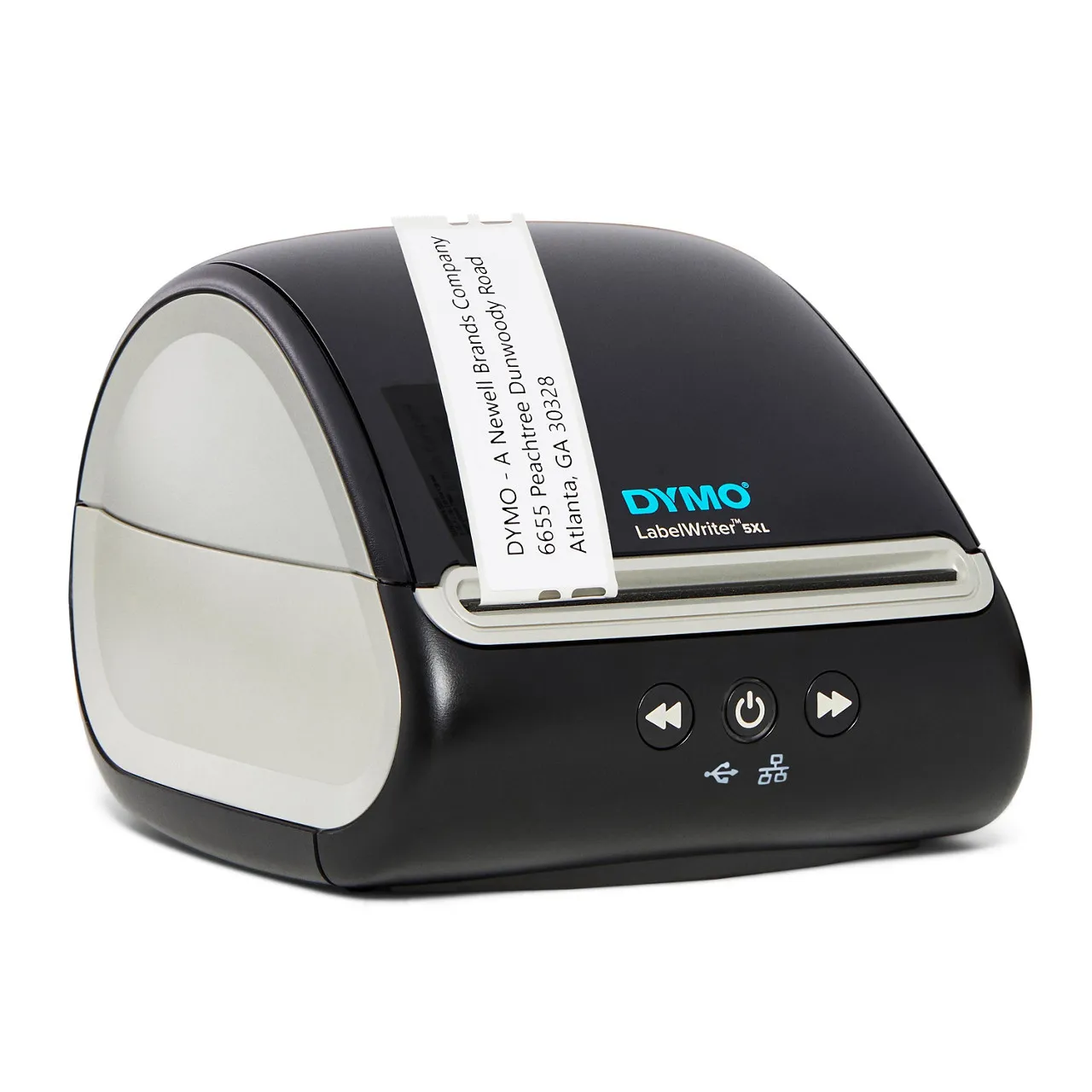
Brother QL printers use DK rolls with an automatic cutter. The DYMO LabelWriter 5XL needs authentic DYMO media.
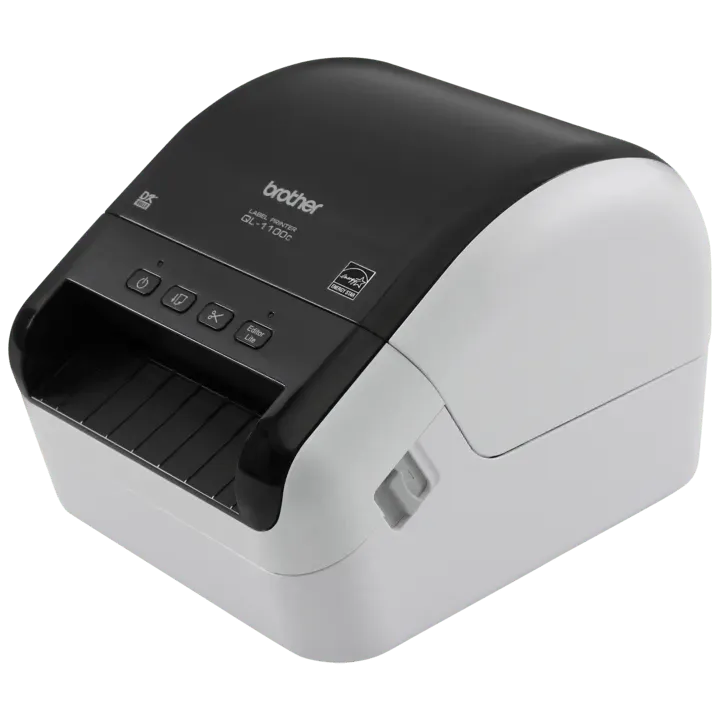
Brother The cut-to-length desk
Wide-format DK labels and an automatic cutter, built around a computer USB workflow.
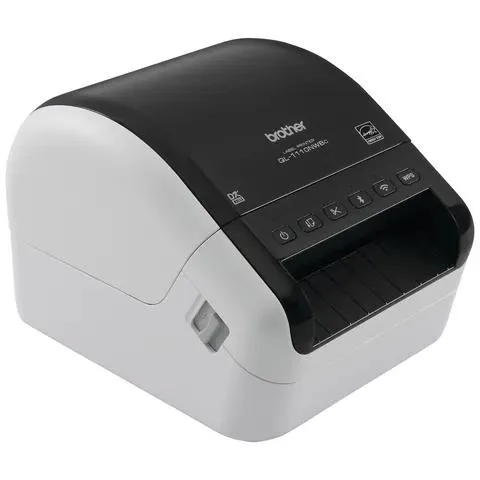
Brother The connected desk
A network-oriented DK label printer with automatic cutting and several connection routes.
DYMO The dedicated label system
USB and LAN shipping-label printing, with a specific authenticated DYMO media requirement.
BLACK FRIDAY
We publish no prices. Before buying a discounted printer, compare its model number, connections and resolution with the printer page, and check which labels are included.