Start with the last parcel.
Where did you buy postage and open the label? Keep that device in the plan. A computer-only printer adds a computer step to a phone-first routine.
Research and retailer links cover US models. Check local availability and the exact regional variant before buying.
You have something to send. Choose a label setup that fits the device you already use and the space you actually have, starting with whether you need another printer at all.
BEFORE THE SHORTLIST
Where did you buy postage and open the label? Keep that device in the plan. A computer-only printer adds a computer step to a phone-first routine.
Look at your current printer and the label format available from your shipping service. Occasional parcels do not establish a universal need for a dedicated thermal printer.
Include compatible labels, any needed holder or cable, delivery and tax. Compare the same condition and bundle contents rather than the headline printer price.
CHOOSE BY THE JOB
Editorial candidates based on the dated manufacturer sources below. No tested ranking or promised speed, savings or availability.
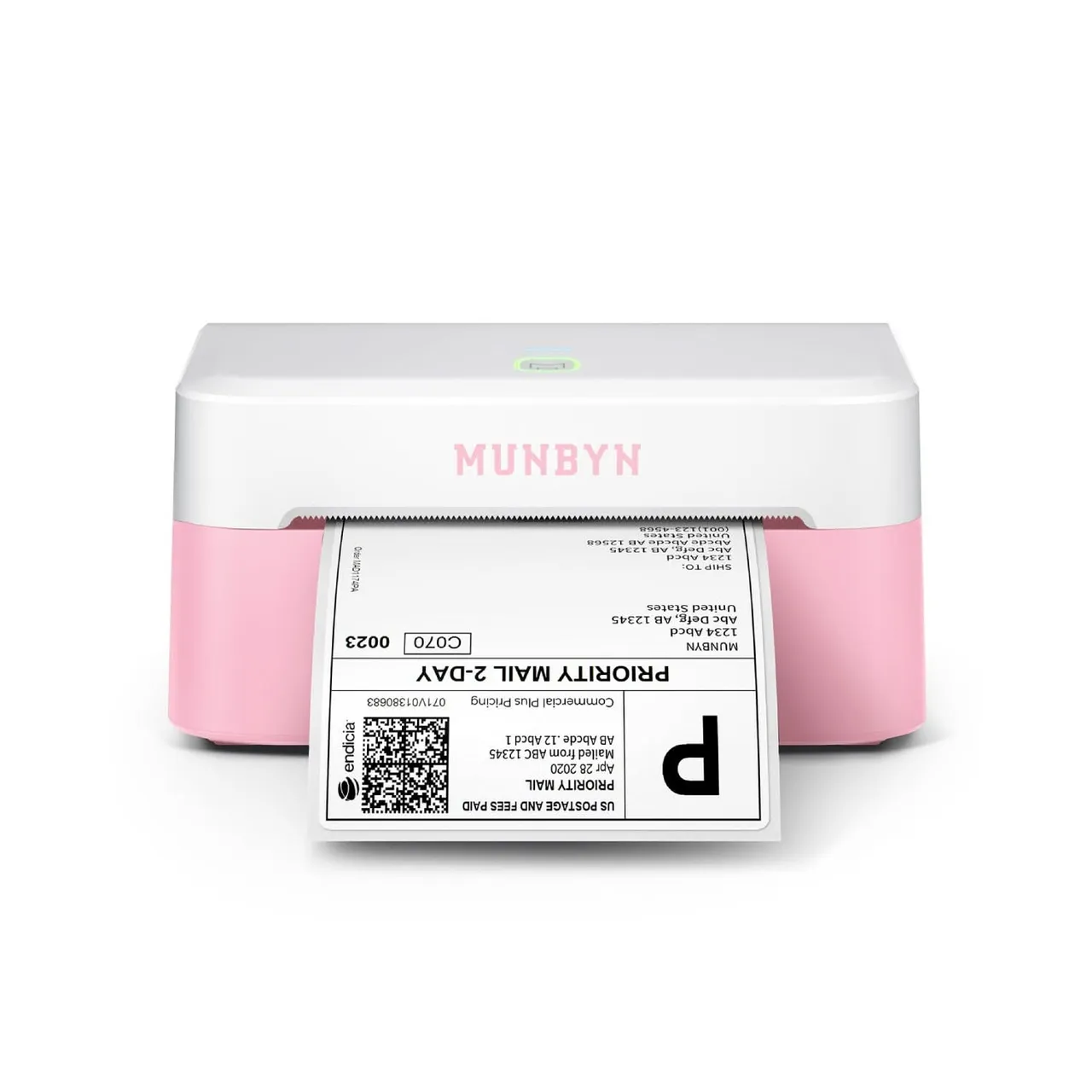
MUNBYN The app-based starter
Bluetooth and USB, with mobile printing through the MUNBYN app rather than AirPrint.
Why look at this route? Investigate this route if opening labels in MUNBYN Print is acceptable. Bluetooth app printing is different from AirPrint; the exact US listing variant still needs confirmation. Sources and dates.
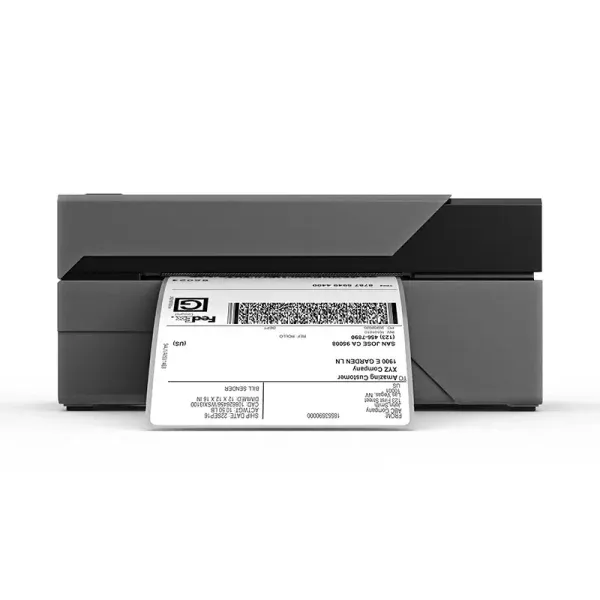
Rollo The computer desk
A USB-first option when your shipping work already lives on a Mac or Windows computer.
Why look at this route? A candidate when your labels already live on one Mac or Windows computer. Its USB route depends on the applicable driver, not a direct phone connection. Sources and dates.
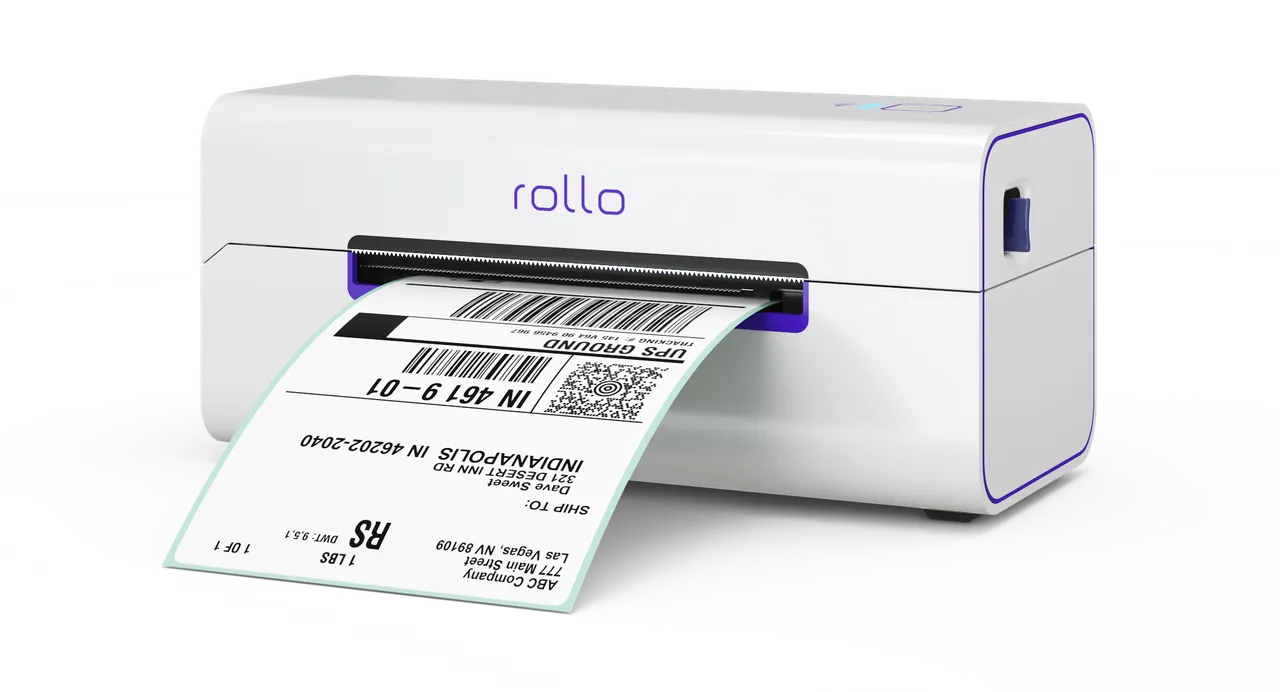
Rollo The wireless route
Wi-Fi and AirPrint for a shipping desk that is not tied to one computer.
Why look at this route? A candidate if your iPhone or iPad is central to the shipping routine. Check the documented AirPrint setup, network and label format before choosing it. Sources and dates.
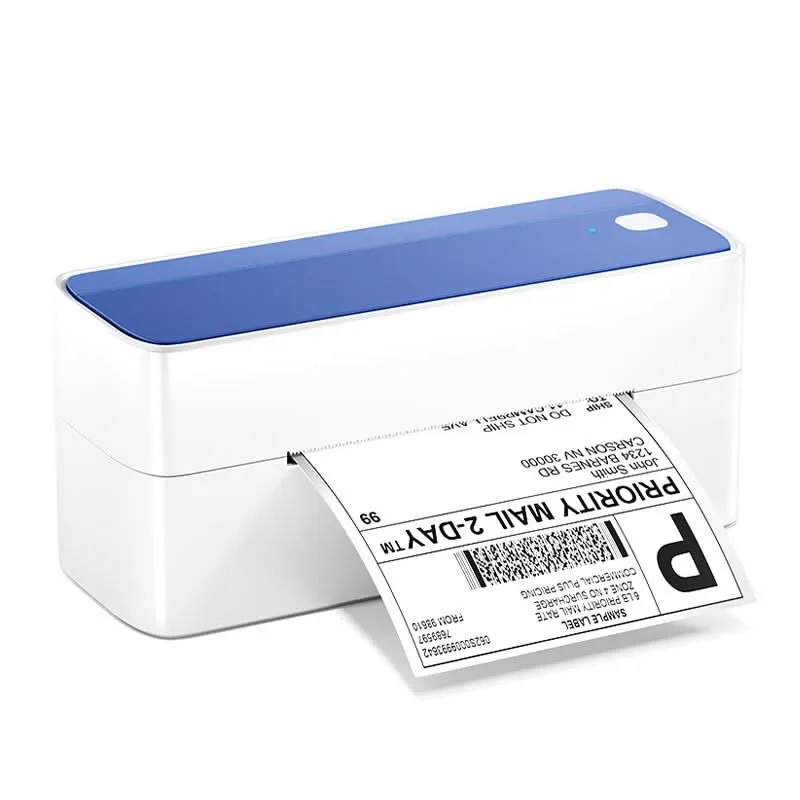
Phomemo The Labelife route
Bluetooth through Labelife on a phone, or a separate USB workflow on a computer.
Why look at this route? Compare the Labelife mobile workflow and USB computer route. Confirm your actual 4 × 6 file; broader media specifications and included label counts conflict. Sources and dates.
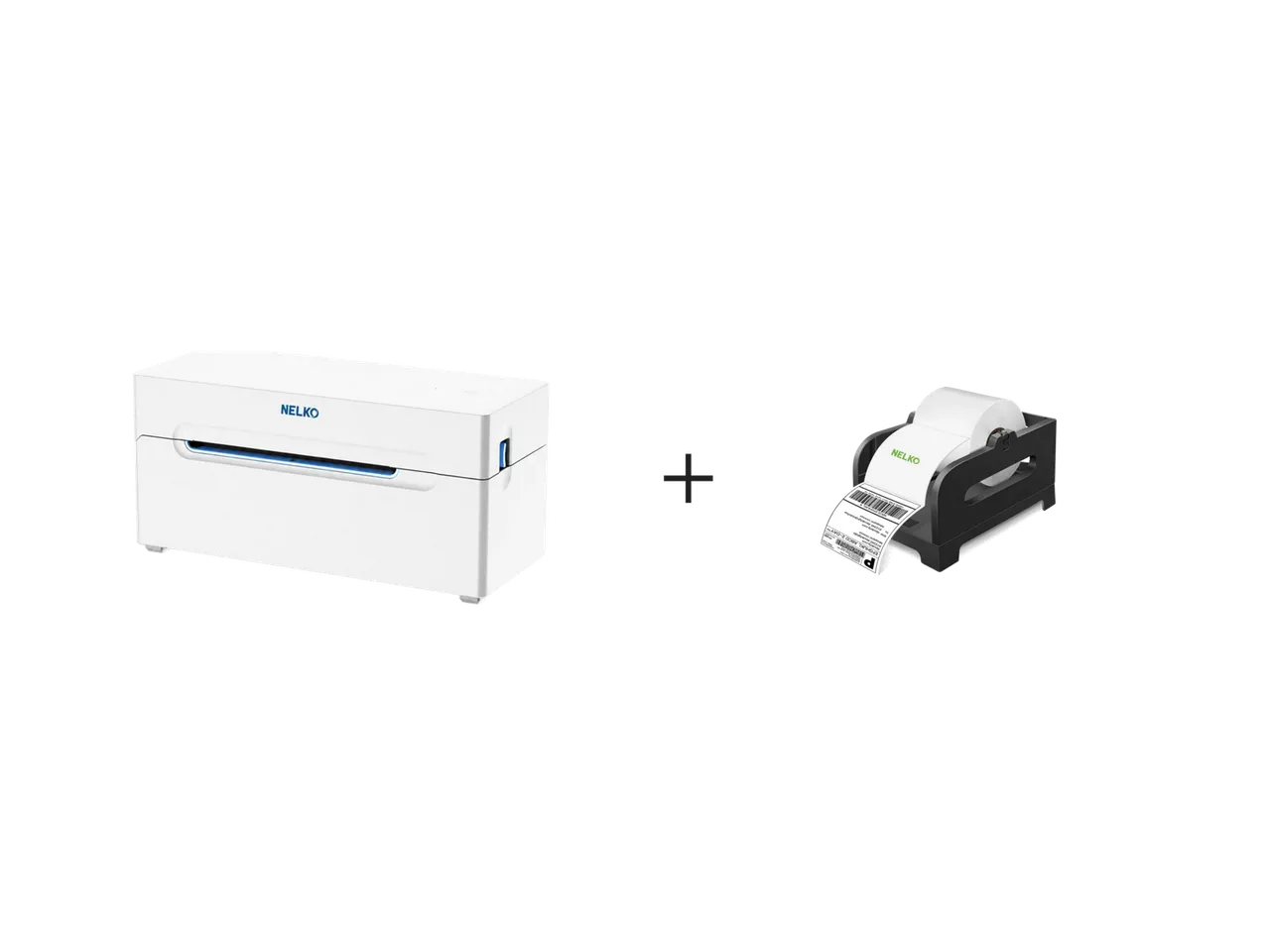
Nelko The Shipping Printer Pro route
App-based Bluetooth shipping labels on a phone, with a documented computer USB route.
Why look at this route? Compare Shipping Printer Pro for phone labels, with a separate computer USB route. It uses manual tear-off rather than an automatic cutter. Sources and dates.
TAKE THIS TO THE CHECKOUT
These are purchase checks, not included bundle contents. Confirm the exact model, final price, delivery and retailer terms.
YOUR NEXT STEP
Use the detailed guide to work through this routine, or check specific requirements in the finder.
Not necessarily. First check whether your existing printer and an appropriate label format meet the job. We have not measured a shipment count at which every home seller should upgrade.
No. It identifies printer routes to investigate. Verify the contents of the exact retailer bundle, compatible labels and any required accessories separately.
A printable shipping PDF is not proof of a native integration. Follow one actual label from your selling service through the printer’s documented device route.
TRACEABLE, NOT TAKEN ON TRUST
Manufacturer documentation is evidence of specifications, not an independent performance test.