Choose the experience.
AirPrint and app-based Bluetooth are separate routes. Decide whether opening or importing a file in a manufacturer app fits your routine.
Research and retailer links cover US models. Check local availability and the exact regional variant before buying.
Follow the label from the screen in your hand to the parcel in front of you. Decide whether you want AirPrint or can work with an app before choosing a printer.
BEFORE THE SHORTLIST
AirPrint and app-based Bluetooth are separate routes. Decide whether opening or importing a file in a manufacturer app fits your routine.
For an AirPrint route, confirm the network setup your phone and printer need. A guest or managed network may not allow the required discovery.
Check how the label opens from your selling service, then verify its size, orientation and supported print route. A USB port does not establish an iPhone fallback.
CHOOSE BY THE JOB
Editorial candidates based on the dated manufacturer sources below. No tested ranking or promised speed, savings or availability.
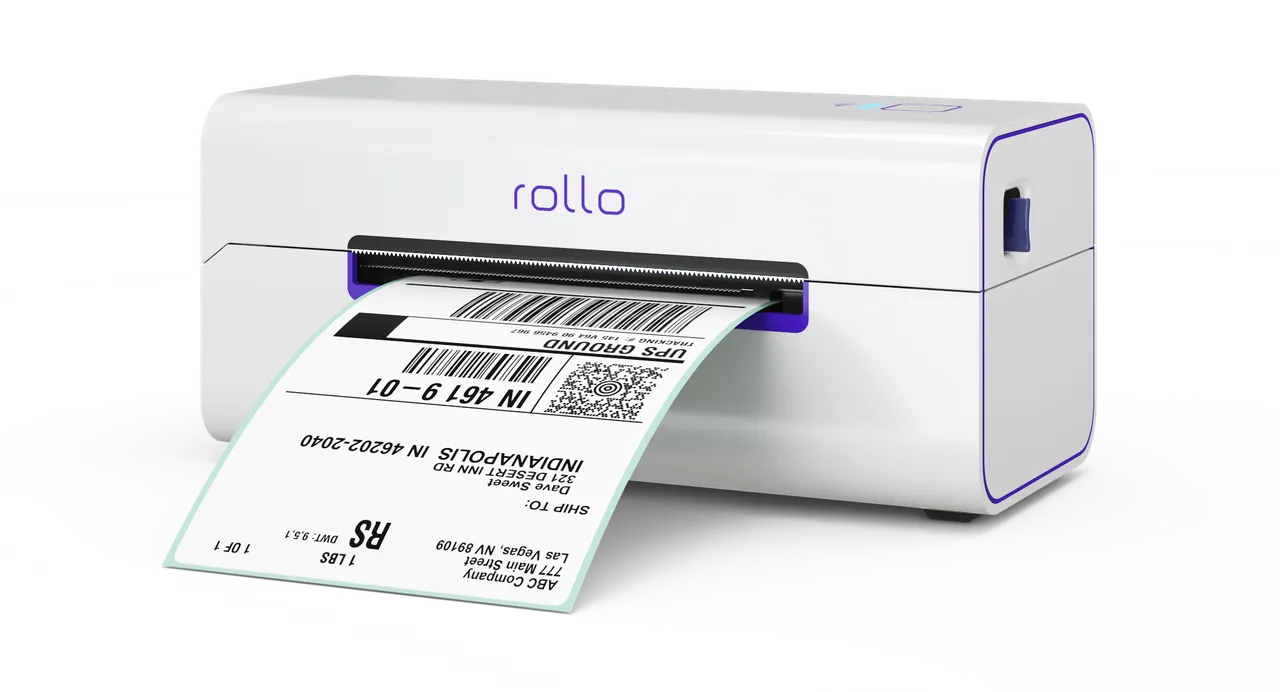
Rollo The wireless route
Wi-Fi and AirPrint for a shipping desk that is not tied to one computer.
Why look at this route? Investigate its documented AirPrint route for iPhone and iPad over the same Wi-Fi network. Computer USB is a separate fallback, not phone printing. Sources and dates.
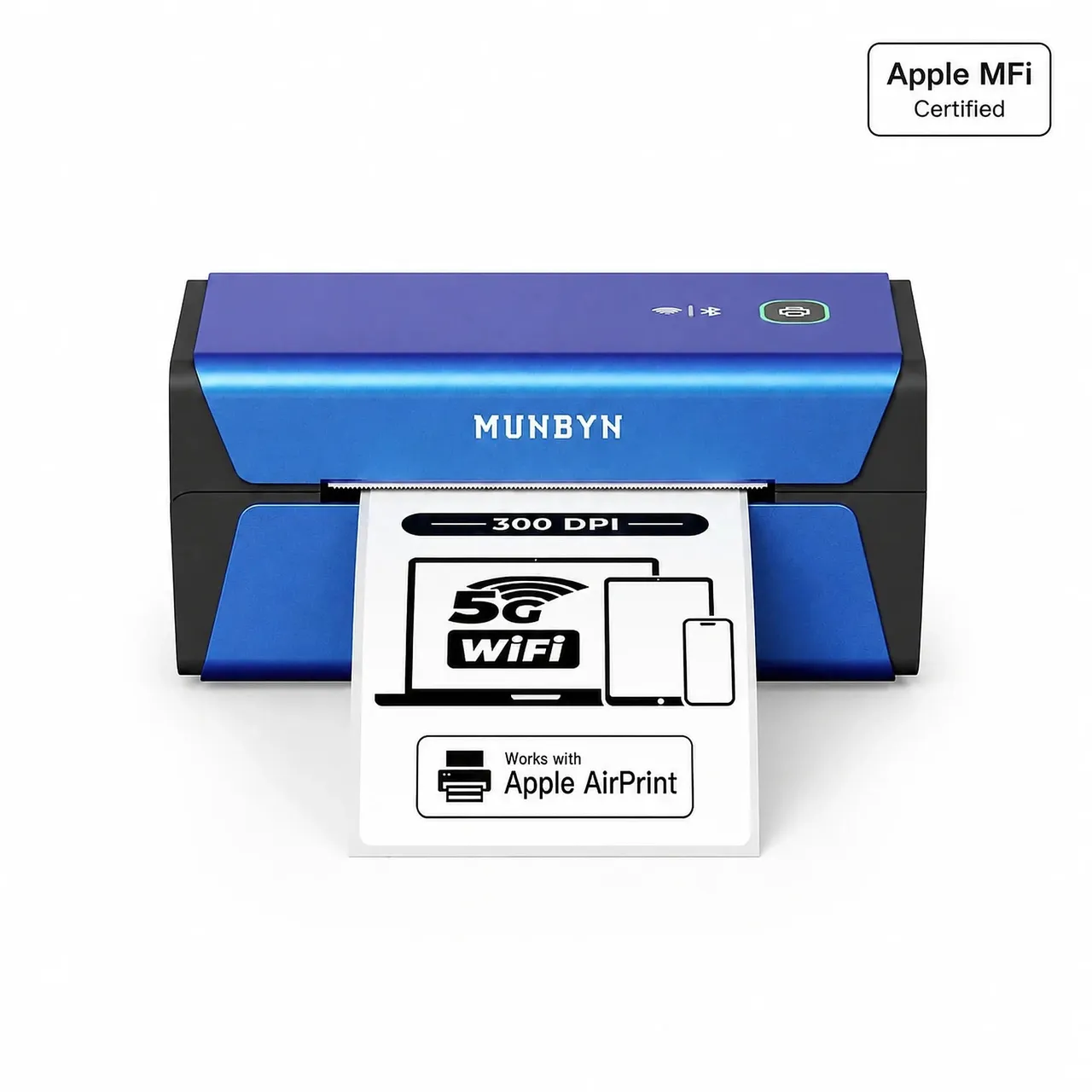
MUNBYN The AirPrint alternative
The selected 300-dpi US version combines Wi-Fi/AirPrint with computer USB fallback.
Why look at this route? Another documented AirPrint candidate. Match the selected RW401AP-BL-US version and the route-specific label sizes instead of treating every RW401AP listing as identical. Sources and dates.
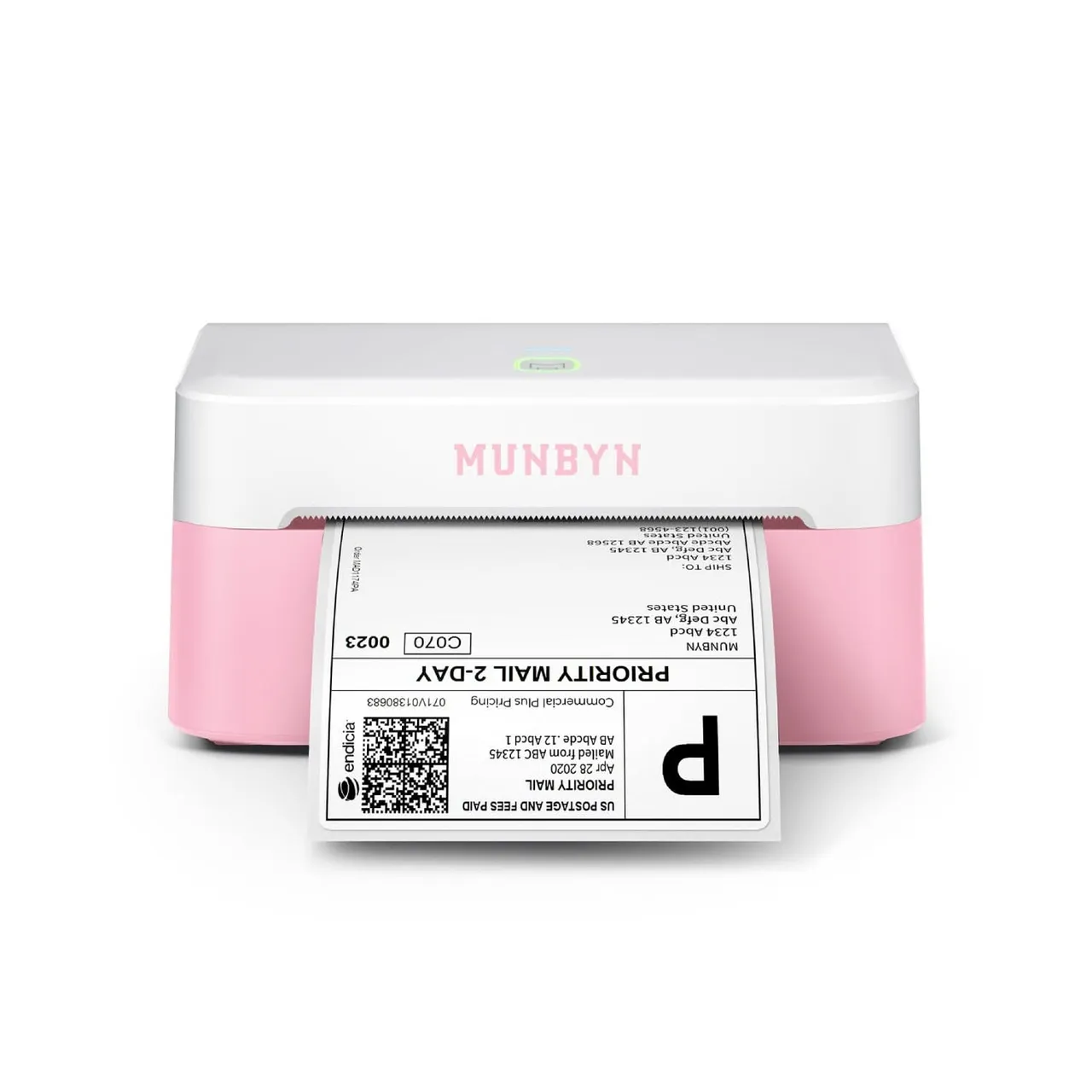
MUNBYN The app-based starter
Bluetooth and USB, with mobile printing through the MUNBYN app rather than AirPrint.
Why look at this route? An alternative if a Bluetooth workflow through MUNBYN Print suits you. This is not an AirPrint route, and the exact US listing variant remains a separate check. Sources and dates.
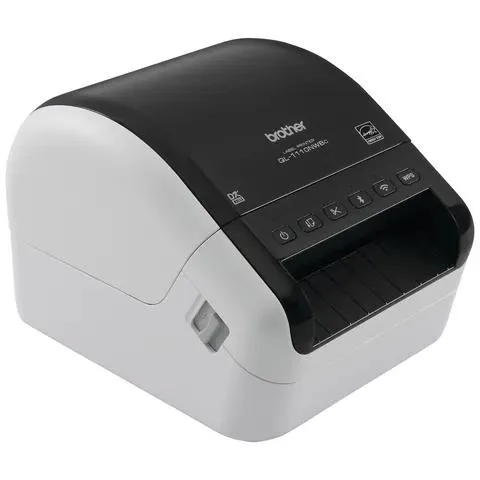
Brother The connected desk
A network-oriented DK label printer with automatic cutting and several connection routes.
Why look at this route? Investigate this model if mobile printing and varied label lengths both matter. Its documented AirPrint/iPrint&Label routes use the compatible Brother DK media system. Sources and dates.
TAKE THIS TO THE CHECKOUT
These are purchase checks, not included bundle contents. Confirm the exact model, final price, delivery and retailer terms.
YOUR NEXT STEP
Use the detailed guide to work through this routine, or check specific requirements in the finder.
No. A documented Bluetooth app route is not AirPrint. Check the exact model’s mobile workflow rather than relying on the connection name.
Do not assume that. Device, app and print-route restrictions can differ from the printer’s overall media-width specification. Confirm the precise format you need.
We have not performed setup-time tests. Compare the documented steps and requirements for your network and device; this page does not rank measured ease or speed.
TRACEABLE, NOT TAKEN ON TRUST
Manufacturer documentation is evidence of specifications, not an independent performance test.