List the actual sizes.
Record width, length and source file or editor for each label job. Distinguish pre-sized labels from a chosen length on a continuous roll.
Research and retailer links cover US models. Check local availability and the exact regional variant before buying.
A parcel label and an address label are different jobs. Start with your required sizes, then compare a USB or connected DK-label workflow with automatic cutting.
BEFORE THE SHORTLIST
Record width, length and source file or editor for each label job. Distinguish pre-sized labels from a chosen length on a continuous roll.
Decide between a fixed computer USB route and documented network or mobile routes. A supported media width does not verify every device-and-template combination.
Include every compatible roll you need, not one generic shipping-label pack. Check the loaded roll and matching template when switching tasks.
CHOOSE BY THE JOB
Editorial candidates based on the dated manufacturer sources below. No tested ranking or promised speed, savings or availability.
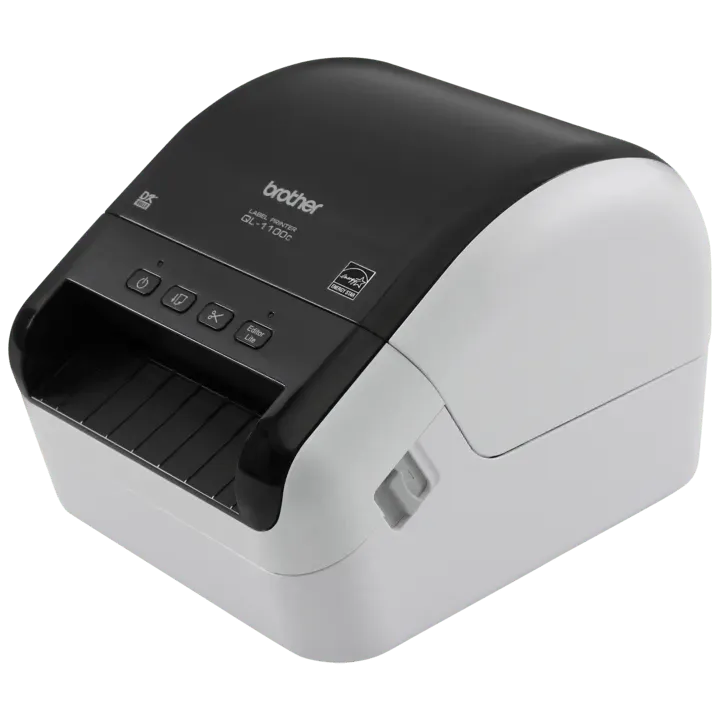
Brother The cut-to-length desk
Wide-format DK labels and an automatic cutter, built around a computer USB workflow.
Why look at this route? Investigate this USB-first computer route for compatible DK pre-sized or continuous rolls and an automatic cutter. A direct iPhone route is unverified. Sources and dates.
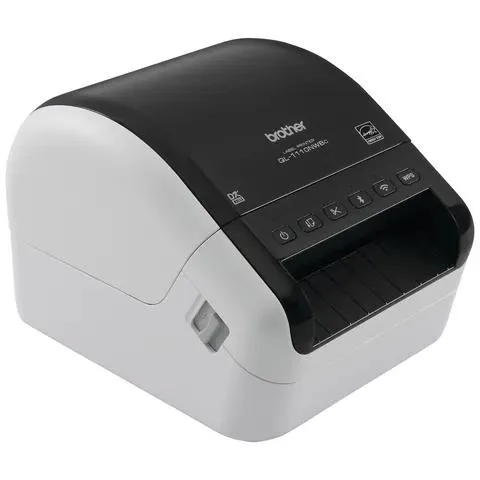
Brother The connected desk
A network-oriented DK label printer with automatic cutting and several connection routes.
Why look at this route? Investigate this connected DK-label alternative when network or documented mobile routes matter as well as automatic cutting. Verify the exact C model and current software requirements. Sources and dates.
TAKE THIS TO THE CHECKOUT
These are purchase checks, not included bundle contents. Confirm the exact model, final price, delivery and retailer terms.
YOUR NEXT STEP
Use the detailed guide to work through this routine, or check specific requirements in the finder.
No. Confirm the continuous roll, width, chosen length, editor template and device route together. A cutter does not select a suitable template for you.
These Brother dossiers use compatible DK pre-sized and continuous rolls. Price the actual supplies you need rather than substituting an unrelated generic pack.
No. Adhesive, material, waterproofing and service life require evidence for the exact supply and application. This shortlist concerns documented media systems, cutting and device routes.
TRACEABLE, NOT TAKEN ON TRUST
Manufacturer documentation is evidence of specifications, not an independent performance test.