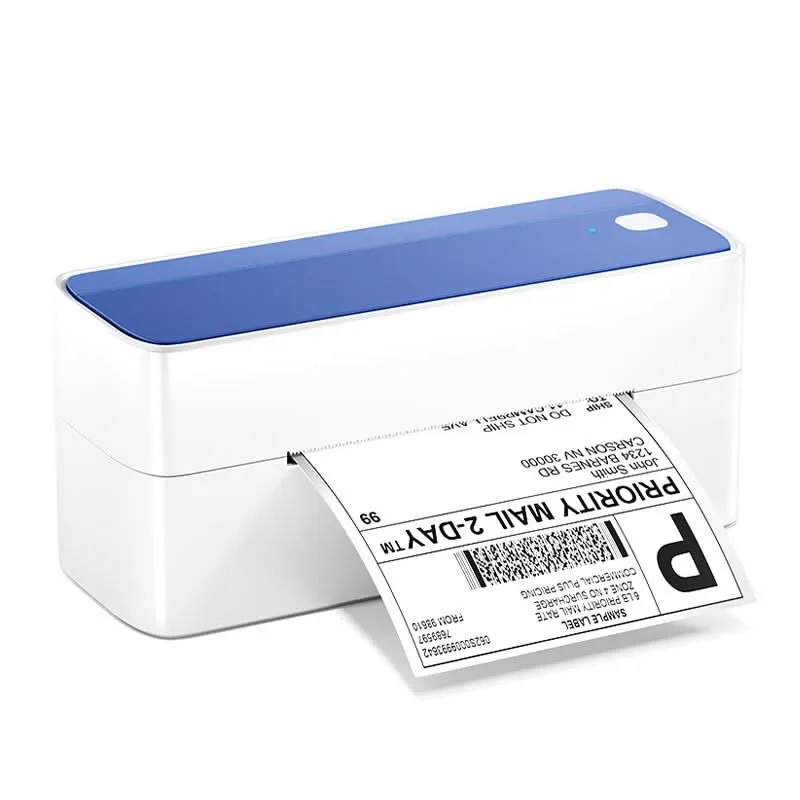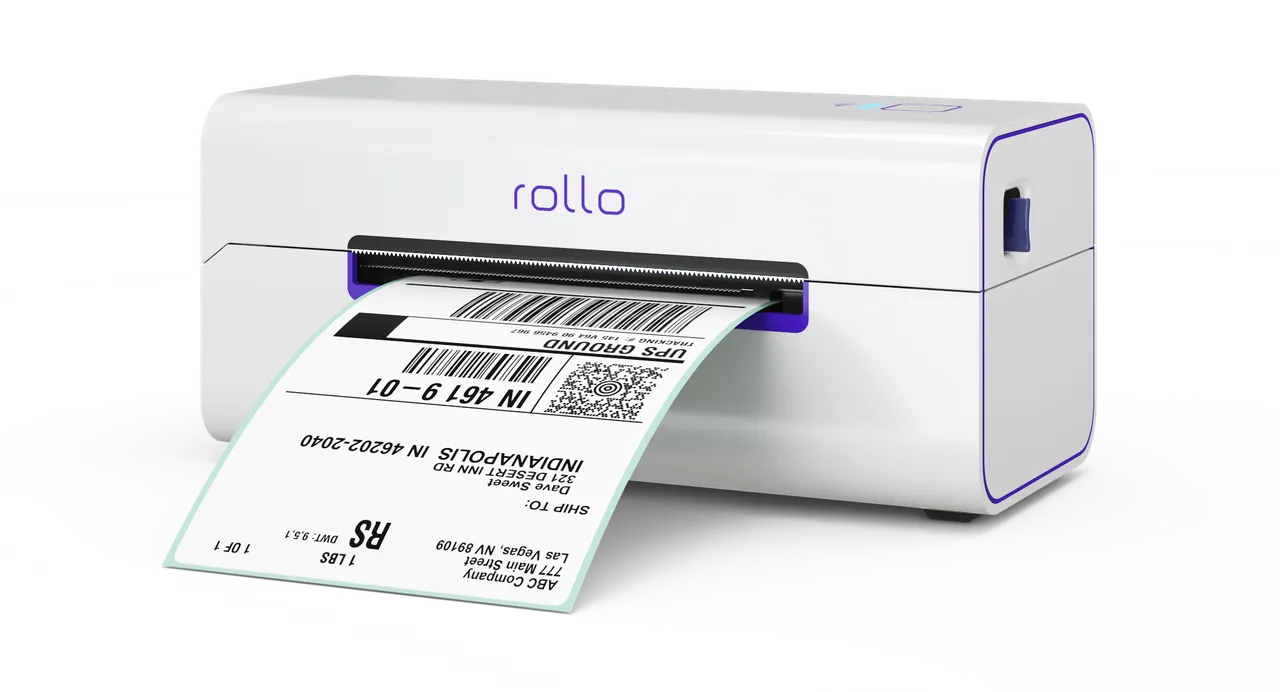
Rollo The wireless route
Rollo Wireless X1040
Wi-Fi and AirPrint for a shipping desk that is not tied to one computer.
Research and retailer links cover US models. Check local availability and the exact regional variant before buying.
Check Sendcloud shipping label formats, printer media and practical setup before choosing a label printer.
Sendcloud describes A6 (105 × 148 mm) for a full-page label and A4 for multiple labels. A6 and 4 × 6 in (101.6 × 152.4 mm) are close, but not identical.
Choose A6 under Shipping > Printing options for a label printer, then match your computer’s paper setting. Sendcloud notes that DHL Germany contract settings can override the general format.
A6 measures 105 × 148 mm; 4 × 6 inches measures 101.6 × 152.4 mm. Printer media width and printable width can differ. Check the actual PDF, paper size and preview; do not assume that a document fits just because the formats have similar names.
Use the label required for your shipment, keep the barcode clear and check your carrier’s instructions. If a PDF has multiple pages or customs documents, check each page before printing.
RESEARCHED CANDIDATES
These models have documented 4 × 6 shipping-label routes. That makes them candidates only when your service provides a suitable 4 × 6 label; it does not establish official platform support or an exact fit for A6. Check your device, driver, label media and exact model before buying.
Rollo The wireless route
Wi-Fi and AirPrint for a shipping desk that is not tied to one computer.
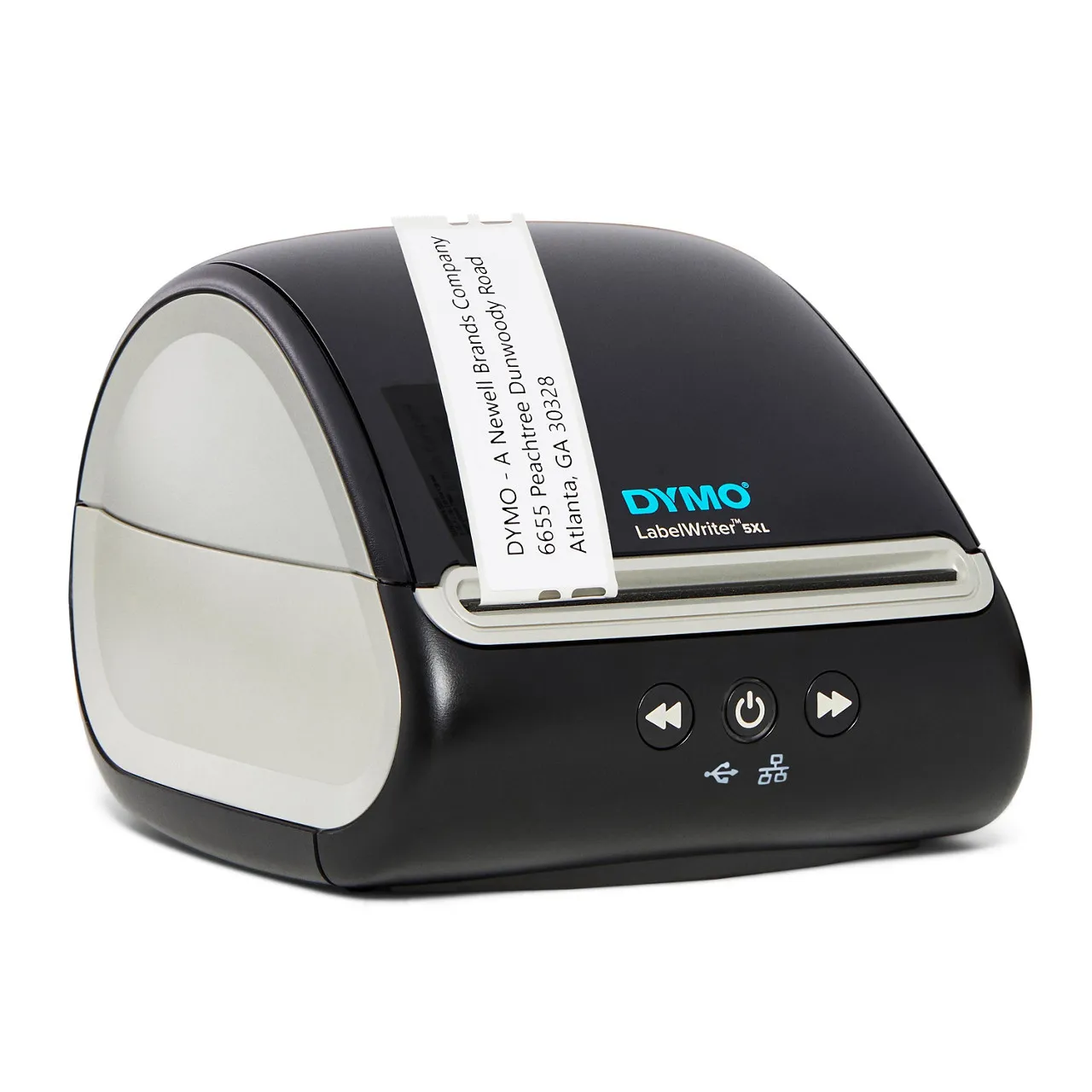
DYMO The dedicated label system
USB and LAN shipping-label printing, with a specific authenticated DYMO media requirement.
Phomemo The Labelife route
Bluetooth through Labelife on a phone, or a separate USB workflow on a computer.
Rollo lists 1.57–4.1 in media; DYMO requires compatible authentic DYMO labels. Phomemo documents 4 × 6, but its broader width specifications conflict. See each dossier for sources, device limitations and the dates checked.
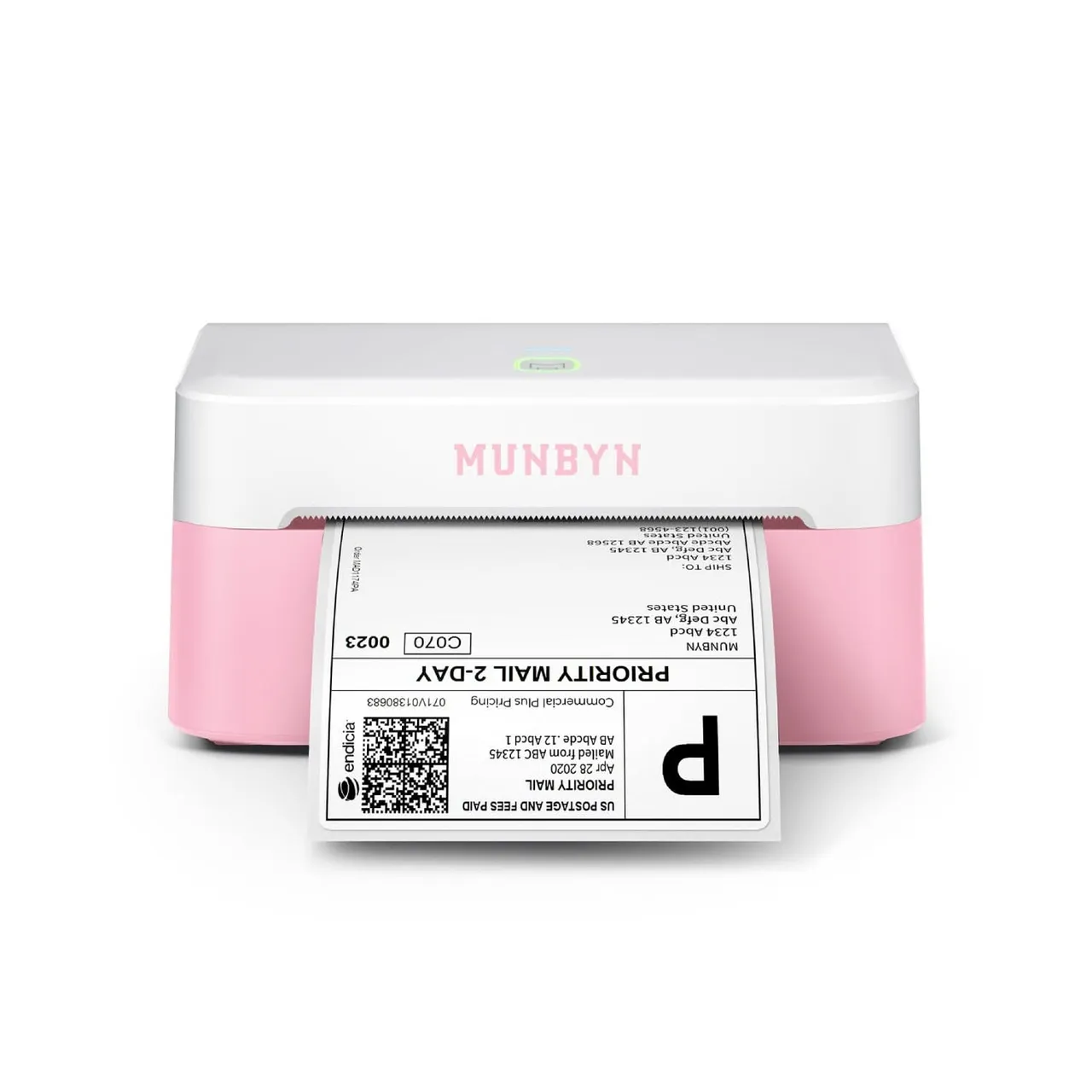
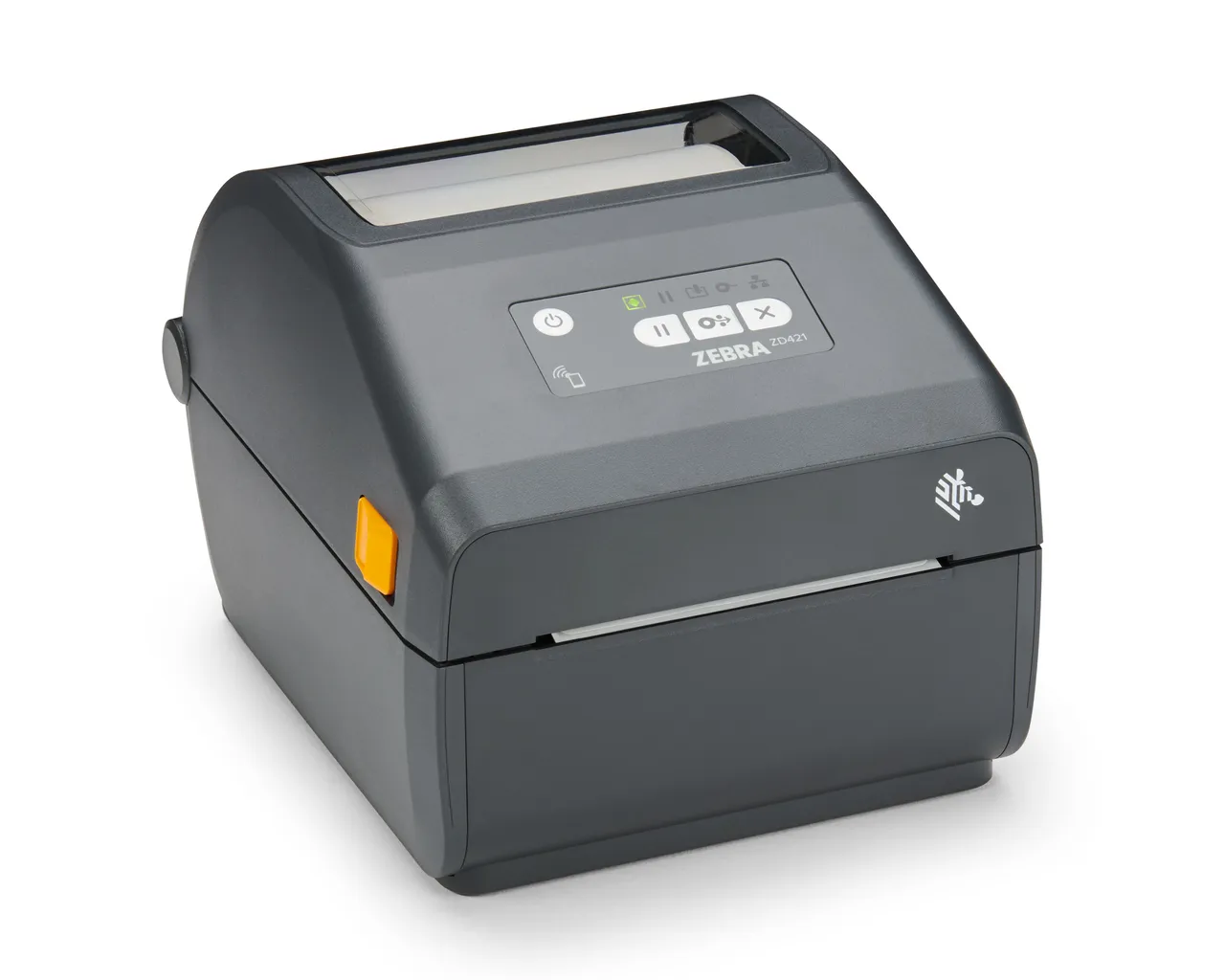
A6 paper is 105 mm wide. MUNBYN lists 40–108 mm media for the RW403B; Zebra lists 15–108 mm media for the ZD421d, with a 104 mm maximum print width. Media width is not a guarantee that the whole PDF will print: check printable margins, media and the exact export with the manufacturer and carrier.
MUNBYN The app-based starter
Bluetooth and USB, with mobile printing through the MUNBYN app rather than AirPrint.
Zebra The configurable step-up
A configurable desktop family. This dossier covers a 203-dpi direct-thermal USB baseline, not every ZD421.
Download or inspect a real label from your own workflow. Check the page dimensions, available print settings and the correct device connection. A source-based shortlist is not a hands-on test or a guarantee of carrier acceptance.
TRACEABLE, NOT TAKEN ON TRUST
Manufacturer documentation is evidence of specifications, not an independent performance test.