Use the phone app.
MUNBYN Print supplies the documented Bluetooth route for iPhone and Android. This is not AirPrint.
Manufacturer documentation ↗ · checked 2026-10-13Research and retailer links cover US models. Check local availability and the exact regional variant before buying.
MUNBYN / THE APP-BASED STARTER
Make app-based phone printing part of your first shipping setup.
You are happy to open your labels in a manufacturer app rather than require the ordinary iPhone Print dialog.
Before you choose: Phone printing uses MUNBYN Print, not AirPrint. Confirm the exact US listing variant. Sources
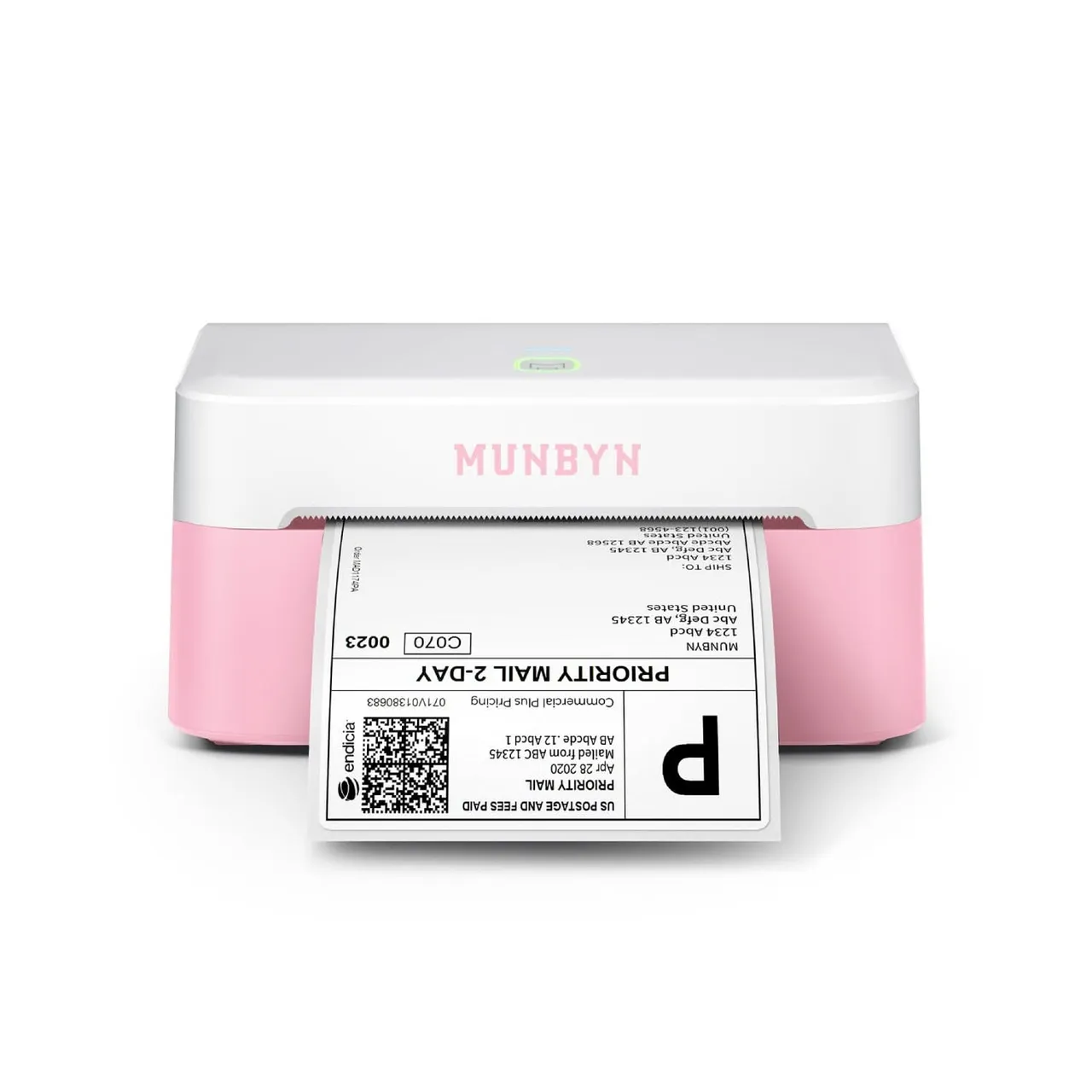 Manufacturer image · MUNBYNNot our own test photo. Pictured accessories may be sold separately.
Consider it if an app-based phone workflow is acceptable. App printing and printing from the ordinary system dialog are different experiences.
Check the exact US model, current software and compatible label supply. A translated page does not establish local availability or an identical regional variant.
Sources · 2026-10-13 · See buying optionsMUNBYN Print supplies the documented Bluetooth route for iPhone and Android. This is not AirPrint.
Manufacturer documentation ↗ · checked 2026-10-13A computer USB driver route is documented separately from mobile app printing.
Manufacturer documentation ↗ · checked 2026-10-13The stated media-width range is 40–110 mm. Confirm your exact label format and app route.
Manufacturer documentation ↗ · checked 2026-10-18PLAN THE WHOLE SETUP
A shopping checklist. These items are not a claim about what any retailer includes.
| Exact model | RW403B |
|---|---|
| Selected US identifier | Not yet verified — check exact listing |
| Print method | Direct thermal |
| Resolution | 203 dpi · manufacturer specification |
| Media / print width | 40–108 mm (current product FAQ) |
| Label system | Compatible direct-thermal media |
| Automatic cutter | Not verified for this configuration |
| Current price / stock | See buying options for verified eBay listings. Retailer checkout confirms final price and stock. |
Bluetooth through MUNBYN Print, not AirPrint.
Bluetooth through MUNBYN Print.
USB driver or documented Bluetooth/editor route.
USB driver or documented Bluetooth/editor route; consult ARM instructions.
A documented route is not a guarantee for every OS version, app or label size. Confirm your exact combination before buying.
START WITH YOUR DAY
Choose your situation to explore printer routes, purchase checks and a practical guide.
Bluetooth through MUNBYN Print, not AirPrint. Check the exact app, OS and label size against the dated sources.
Compatible direct-thermal media. Documented media / print width: 40–108 mm (current product FAQ). A width specification does not confirm every template or device route. See the manufacturer documentation and check dates.
Start with one actual shipping-label file from your platform. Confirm its export format, dimensions and the supported print route for your device. A printable PDF does not establish a native platform integration.
No. These buying notes interpret manufacturer and support documentation checked on 2026-10-13. We have not measured setup time, reliability, print quality or time savings. How we research printers.
A DIFFERENT ROUTE?
Editorial shortlists by workflow, not a ranking, tested recommendation or price comparison.
For AirPrint instead of app-based Bluetooth printing.
Compatible direct-thermal media · Sources checked 2026-10-13
Compare with MUNBYN RW403B ↗Compare the separate Wi-Fi/AirPrint model and its US configuration.
Compatible direct-thermal media · Sources checked 2026-10-13
Compare with MUNBYN RW403B ↗TRACEABLE, NOT TAKEN ON TRUST
Manufacturer documentation is evidence of specifications, not an independent performance test.