Rollo The wireless route
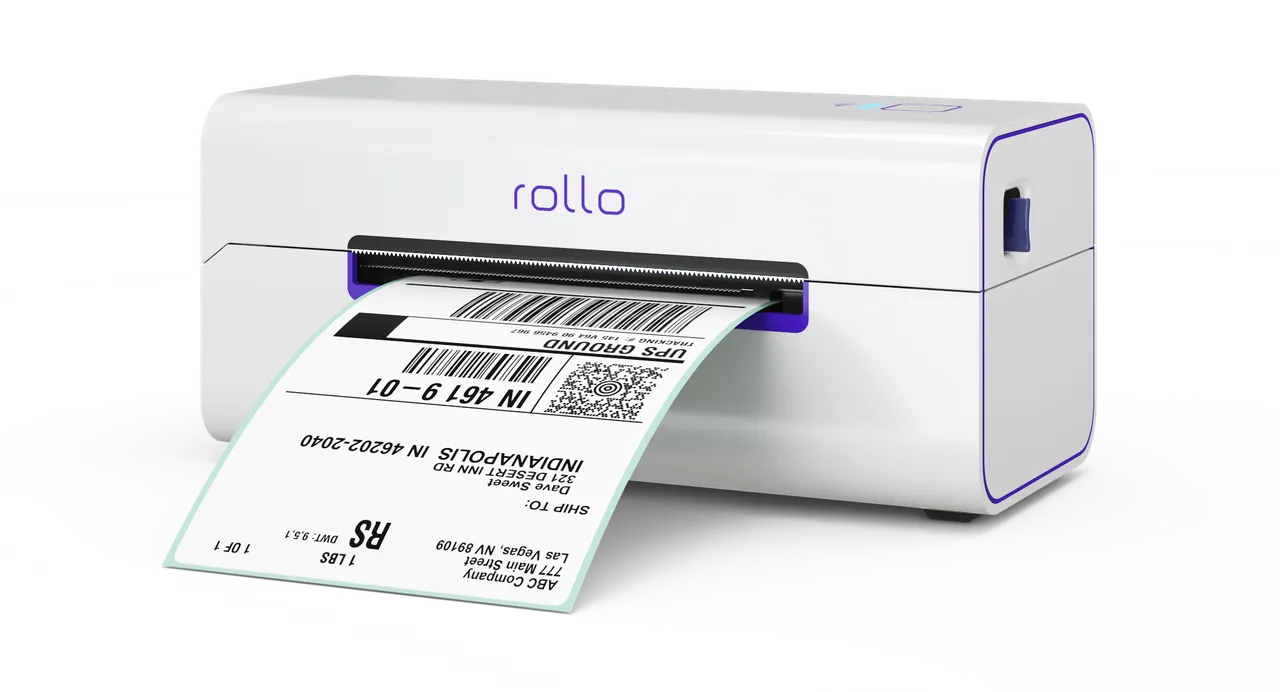
Rollo Wireless X1040
Wi-Fi and AirPrint for a shipping desk that is not tied to one computer.
Research and retailer links cover US models. Check local availability and the exact regional variant before buying.
“Wireless” does not describe the full print job. AirPrint and a Bluetooth printer app can both remove a cable from a phone workflow, but they put different requirements between your label file and the printed page.
WHAT THE EVIDENCE CAN TELL YOU
We compare exact-model instructions, flag conflicting specifications and explain the file-to-paper steps. Sources and their check dates sit beside the advice. Manufacturer images and product illustrations are labelled; neither is a photograph from our own hardware tests.
We have not physically tested setup time, print quality, barcode readability or reliability. A supported route is not a measured performance result, and the order of candidates is not a score.
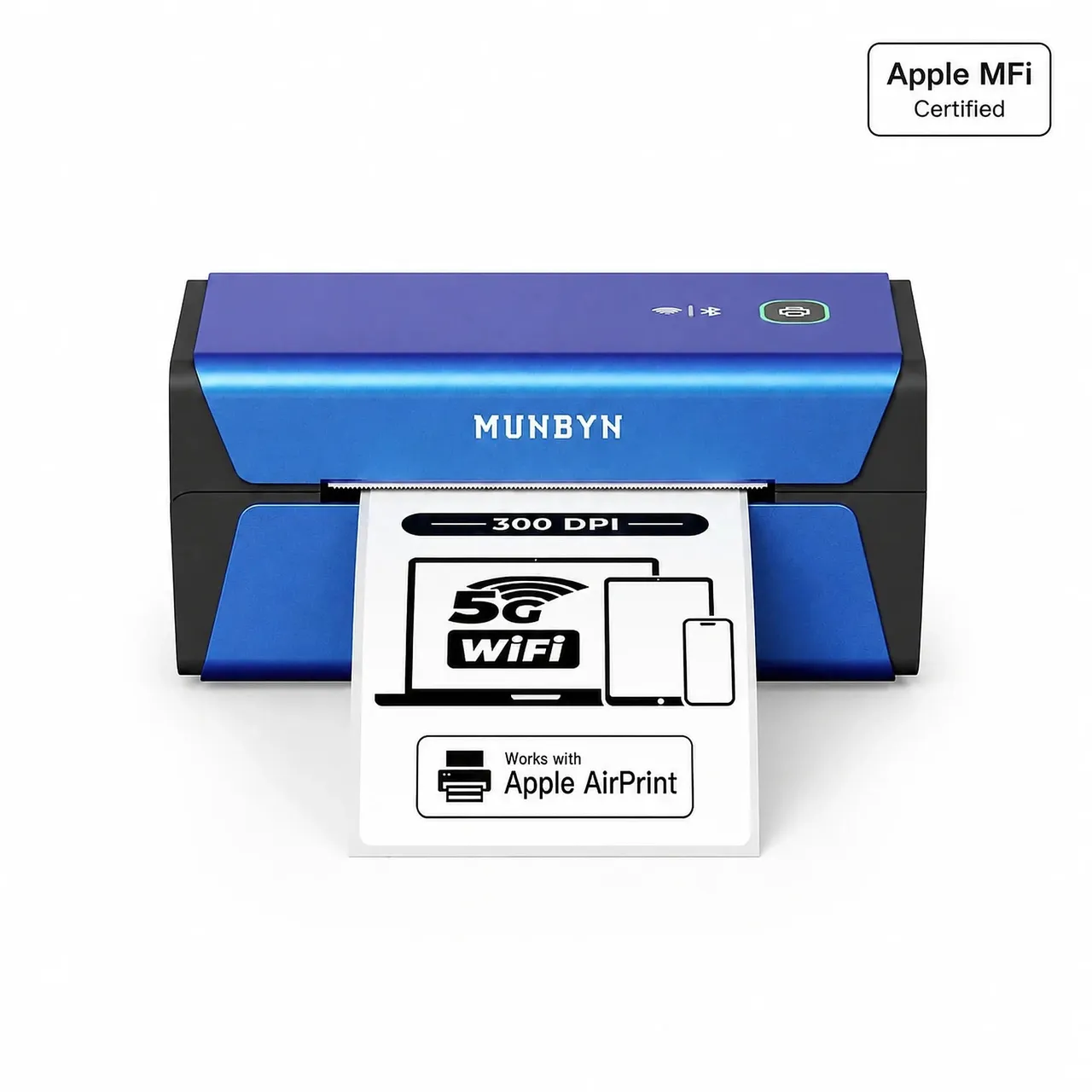
Apple’s documented iPhone workflow uses an AirPrint-enabled printer on the same Wi-Fi network and the app’s Print option. A printer still needs its own network setup; not every app exposes printing. Rollo X1040 and the selected US MUNBYN RW401AP are the catalog’s AirPrint examples here.
The PM-241BT phone route uses Labelife; the PL70E-BT route uses Shipping Printer Pro. Their vendor instructions connect within the respective app. Nelko explicitly documents opening a PDF and selecting its paper dimensions. These are not interchangeable with an AirPrint menu.
Evaluate each device separately. The Phomemo and Nelko dossiers record a computer USB route independently from mobile Bluetooth. Do not assume a generic Mac Bluetooth print queue. A printer using Bluetooth during Wi-Fi setup is also not automatically a Bluetooth label printer.
Our editorial rule is to eliminate a route that conflicts with a hard requirement before comparing products. Neither route has a measured speed or reliability advantage in our research.
RESEARCHED CANDIDATES
Open the dossier for device-route limitations and exact model notes.
Rollo The wireless route
Wi-Fi and AirPrint for a shipping desk that is not tied to one computer.
MUNBYN The AirPrint alternative
The selected 300-dpi US version combines Wi-Fi/AirPrint with computer USB fallback.
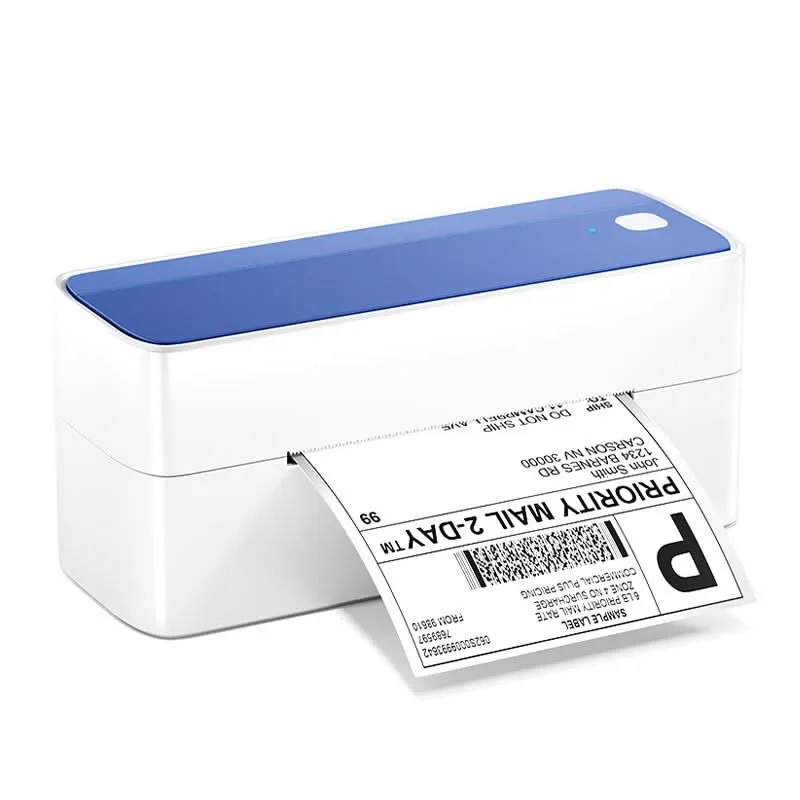
Phomemo The Labelife route
Bluetooth through Labelife on a phone, or a separate USB workflow on a computer.
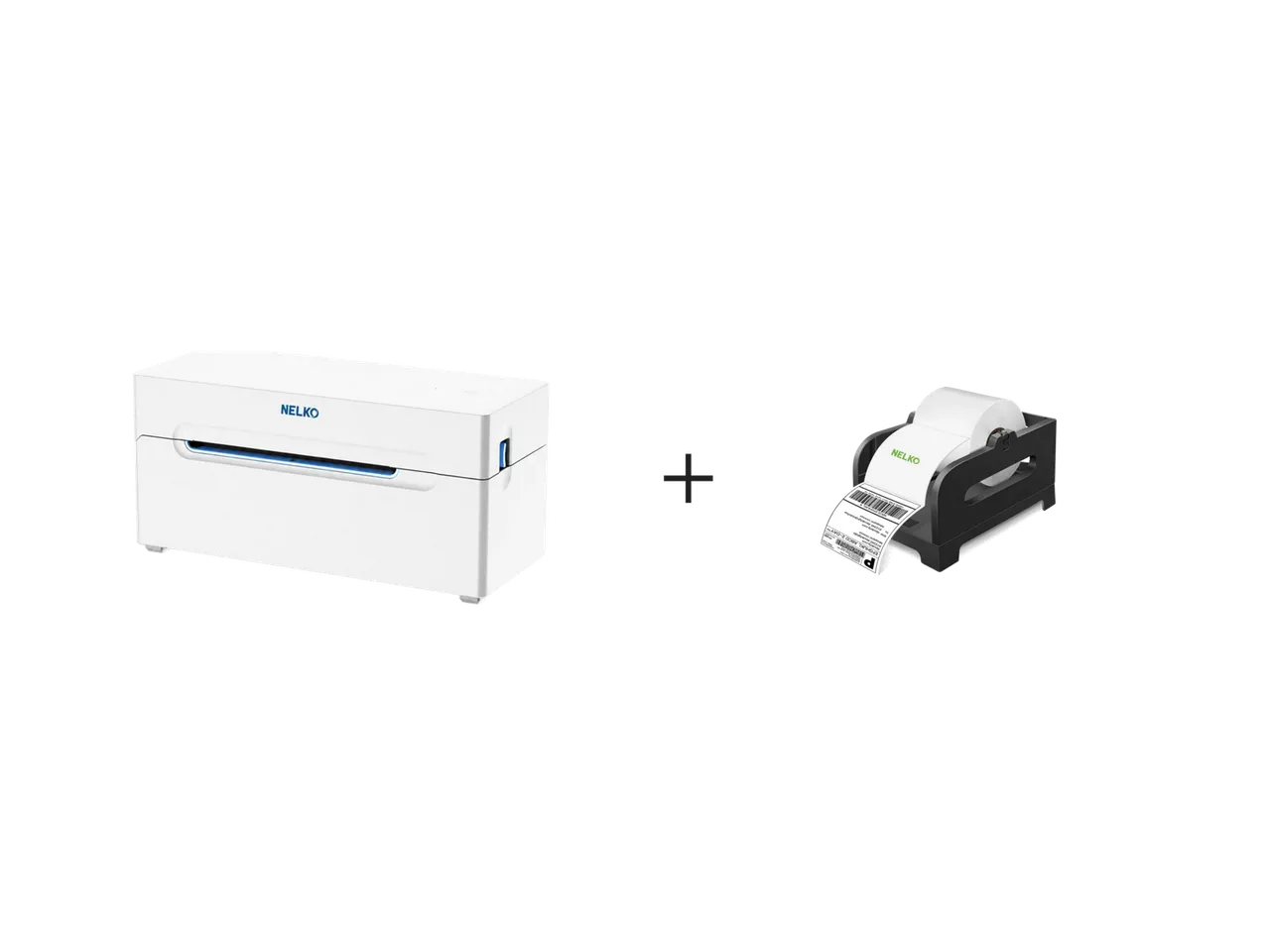
Nelko The Shipping Printer Pro route
App-based Bluetooth shipping labels on a phone, with a documented computer USB route.
We do not have a fresh like-for-like offer set establishing a price winner. Compare exact new models, bundles, usable supplies and any relevant app requirements.
No. Distinguish network setup from the daily print route. Follow the exact manufacturer’s setup instructions first.
No output or scan testing has been performed here. Correct files and settings matter, but they do not establish a measured quality winner.
TRACEABLE, NOT TAKEN ON TRUST
Manufacturer documentation is evidence of specifications, not an independent performance test.