Rollo The wireless route
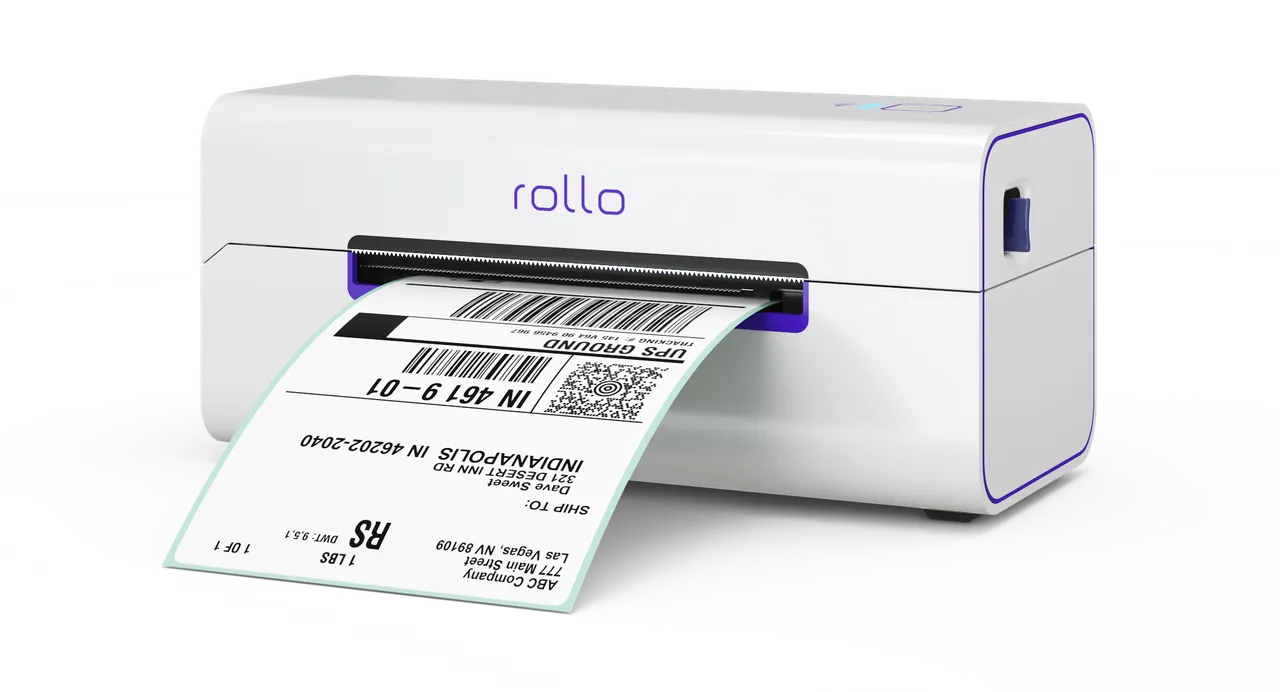
Rollo Wireless X1040
Wi-Fi and AirPrint for a shipping desk that is not tied to one computer.
Research and retailer links cover US models. Check local availability and the exact regional variant before buying.
INDEPENDENT NOTES FOR YOUR SHIPPING DESK
Find the printer that works with your devices, your labels, and the way you actually ship.
FIVE BRANDS.
ONE CLEARER CHOICE.
01 / START WITH YOUR WORKFLOW
Choose the situation closest to yours for printer routes, purchase checks and a practical buying guide.
Choose your first shipping setup, including when your existing printer is enough.
Plan your first deskFollow the label from your phone to paper. Compare AirPrint with app-based printing.
Find your phone routePlan the computer, label supply and document checks for a dedicated packing desk.
Plan your packing workflowCheck shipping, address and variable-length labels against the right media system.
Compare label requirements02 / THE SHORTLIST
Rollo The wireless route
Wi-Fi and AirPrint for a shipping desk that is not tied to one computer.
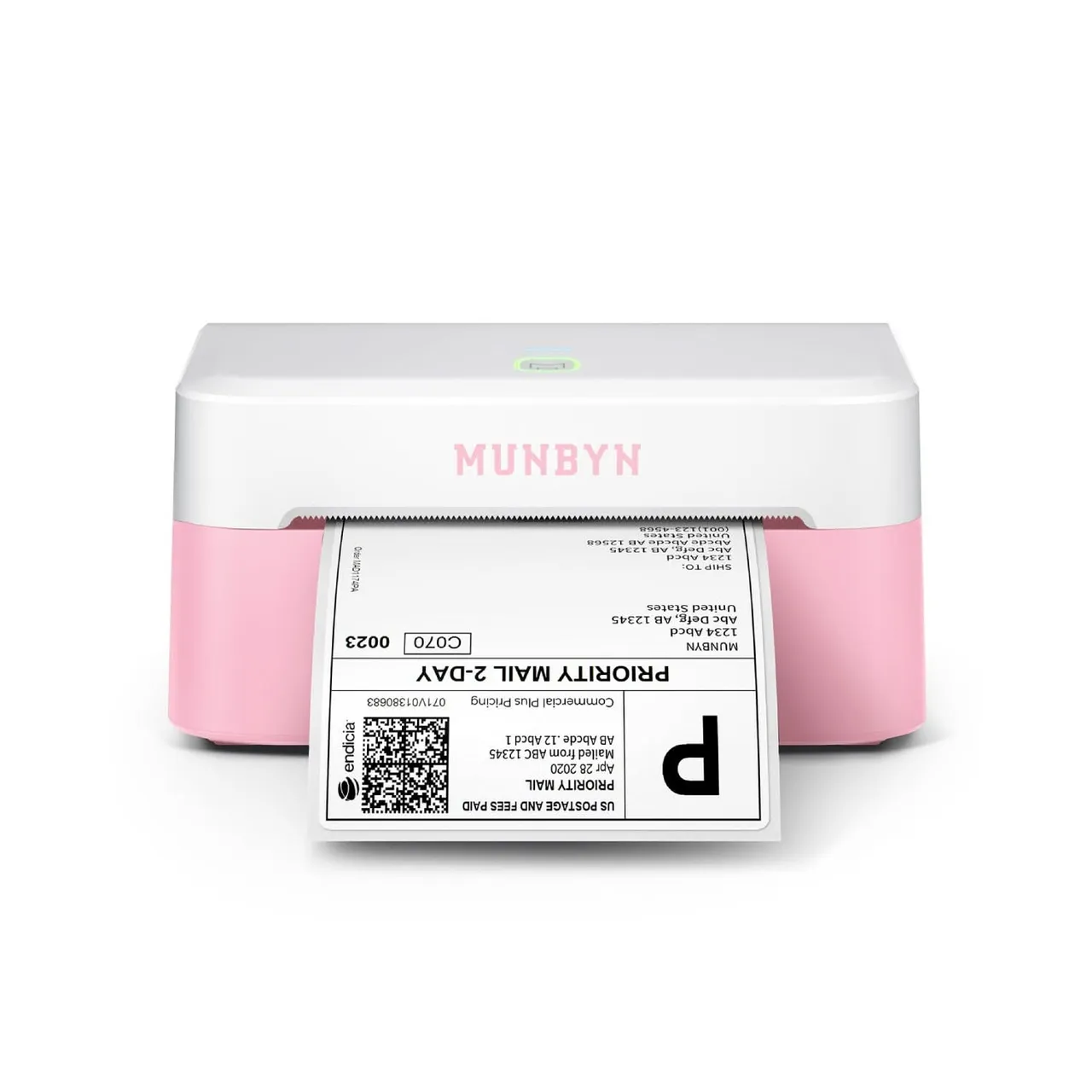
MUNBYN The app-based starter
Bluetooth and USB, with mobile printing through the MUNBYN app rather than AirPrint.
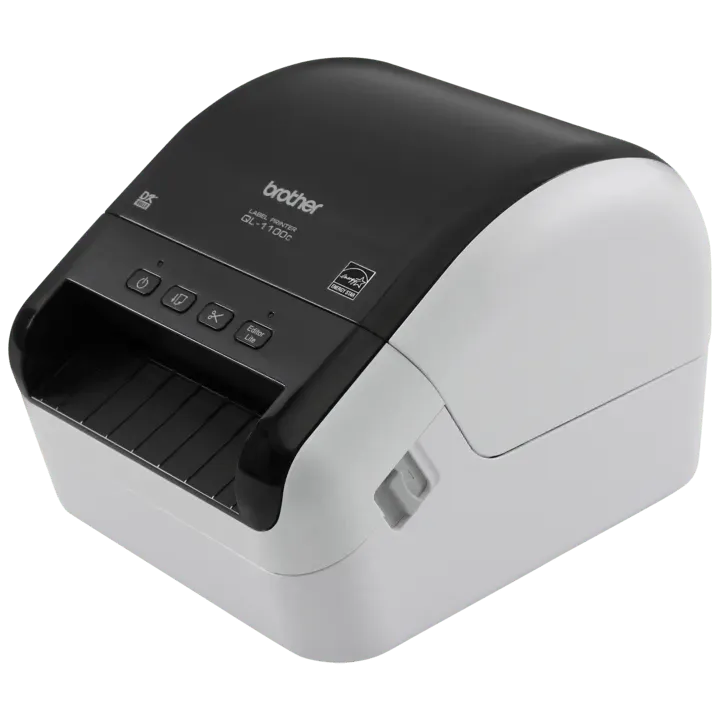
Brother The cut-to-length desk
Wide-format DK labels and an automatic cutter, built around a computer USB workflow.
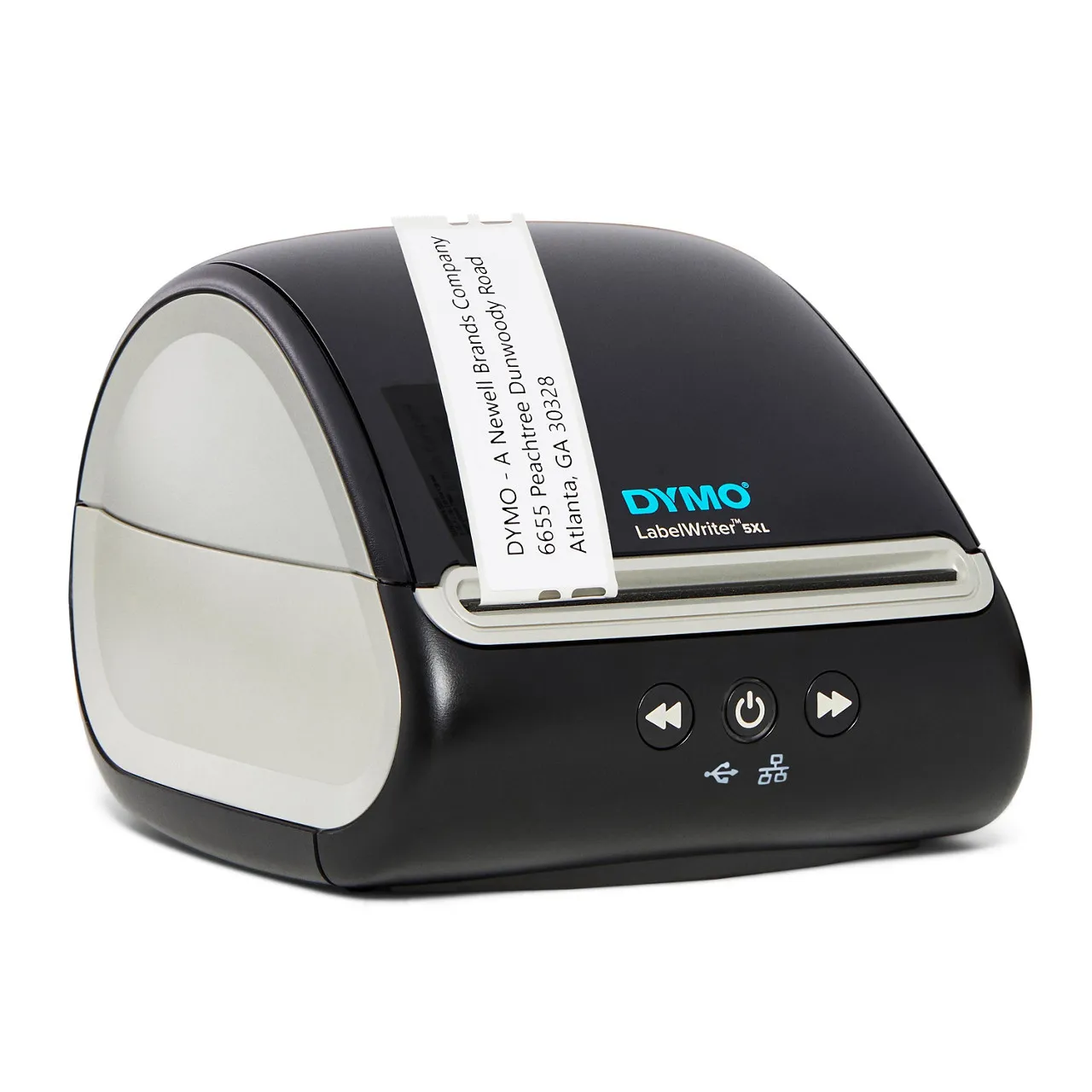
DYMO The dedicated label system
USB and LAN shipping-label printing, with a specific authenticated DYMO media requirement.
03 / BEFORE YOU BUY
Compare system-menu AirPrint with app-based Bluetooth label printing: network needs, PDF handoff, phone versus Mac routes and the checks before buying.
Plan a computer-based packing desk: USB versus network printing, label batches, supply costs and exact-model checks.
Compare a USB or connected Brother DK workflow for shipping, address and variable-length labels, with cutter and supply checks.
A US-first shortlist for your first shipping desk—by device, label workflow and recurring cost, not star ratings.
Compare documented iPhone label-printer routes, follow the AirPrint or Bluetooth-app steps, and diagnose missing printers, tiny labels and wrong formats.
Choose a documented Mac label-printer route, check drivers and macOS, set PDF paper size in Preview, and investigate tiny or cropped shipping labels.
Compare the complete thermal setup with a printer you already own using your own quotes and label usage.
RESEARCH, WITH THE RECEIPTS.
We turn manufacturer documentation into practical choices—and keep the limitations in view. You’ll find the sources, the dates, and what still needs checking.
No borrowed shop ratings. No “tested by us” when it wasn’t. No live-price claim without a verified offer.
How we choose and compare ↗